Key Skills for E-Learning Educator Positions
- E-Learning Authoring Tools (Articulate Storyline, Rise, Captivate)
- Learning Management Systems (Canvas, Moodle, Blackboard, Cornerstone)
- Virtual Classroom Facilitation (Zoom, Teams, Google Meet)
- Instructional Design Models (ADDIE, SAM, Kirkpatrick)
- Video Production & Editing
- Gamification & Microlearning Design
- Learner Analytics & Engagement Data
- Accessibility Compliance (WCAG, Section 508)
- Content Management & Version Control
- Learner Support & Community Building
Resume Tips for E-Learning Educator Applications
- Include subject area, year groups taught, and any measurable student outcomes (exam pass rates, achievement gains) — e-learning educator applications are strengthened by evidence of impact in the classroom, not just years of service
- Demonstrate completion and satisfaction rates from courses you have designed or facilitated.
- List specific authoring tools and LMS platforms with evidence of proficiency.
- Highlight accessibility compliance experience — online courses must meet WCAG standards.
- For corporate roles, show training ROI metrics: knowledge retention, skills application, performance improvement.
- Link to your online course portfolio or published learning modules where possible.
Strong Action Verbs for E-Learning Educator Resumes
Designed · Facilitated · Developed · Published · Engaged · Assessed · Optimized · Implemented · Mentored · Created · Updated · Achieved · Administered · Analyzed
Common Mistakes to Avoid
- Writing a generic objective statement instead of a targeted e-learning educator professional summary
- Not demonstrating learner engagement metrics — online education is evaluated by completion and satisfaction data.
- Listing tools without showing what you built with them.
- Ignoring accessibility — inaccessible online courses create legal and reputational risk.
- Failing to show learner-centered design thinking — it is not enough to transfer content online.
Experience Levels
- Junior Instructional Designer (0-2 years)
- Instructional Designer / E-Learning Developer (2-5 years)
- Senior Designer / Digital Learning Lead (5-9 years)
- Learning Technology Manager (9-13 years)
- Head of Online Learning / Chief Learning Officer (13+ years)
How to Write a E-Learning Educator Resume
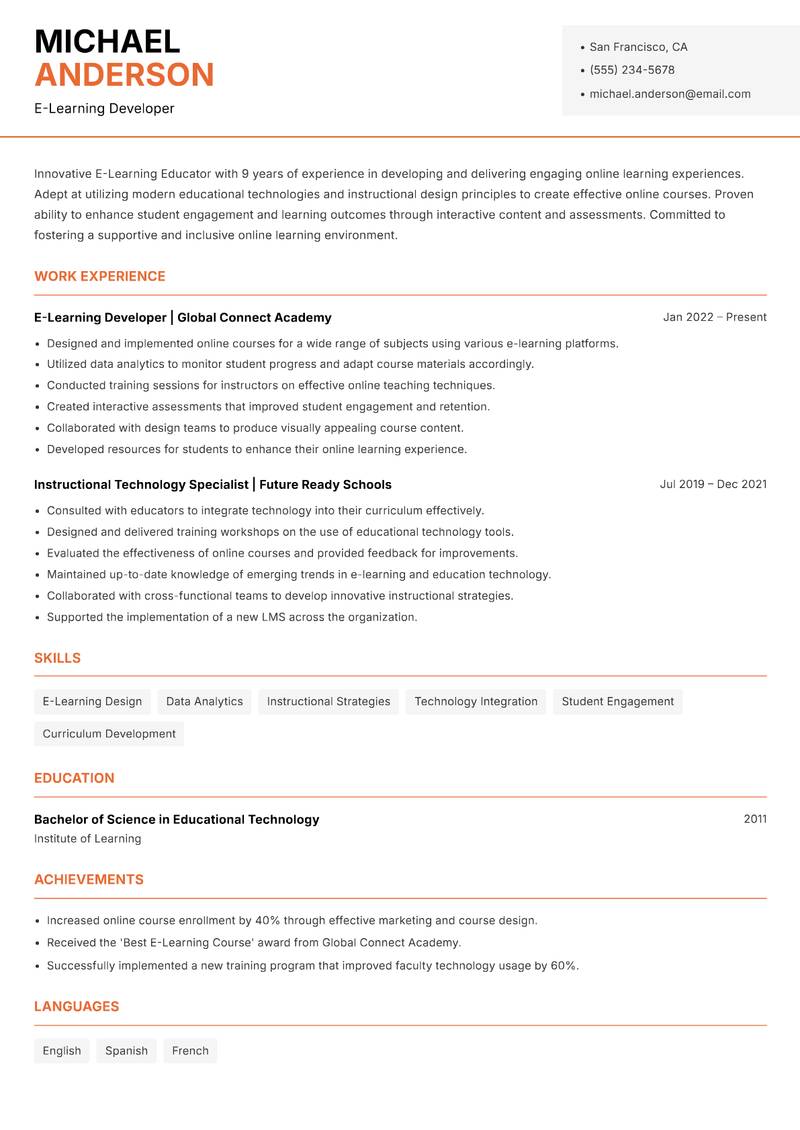
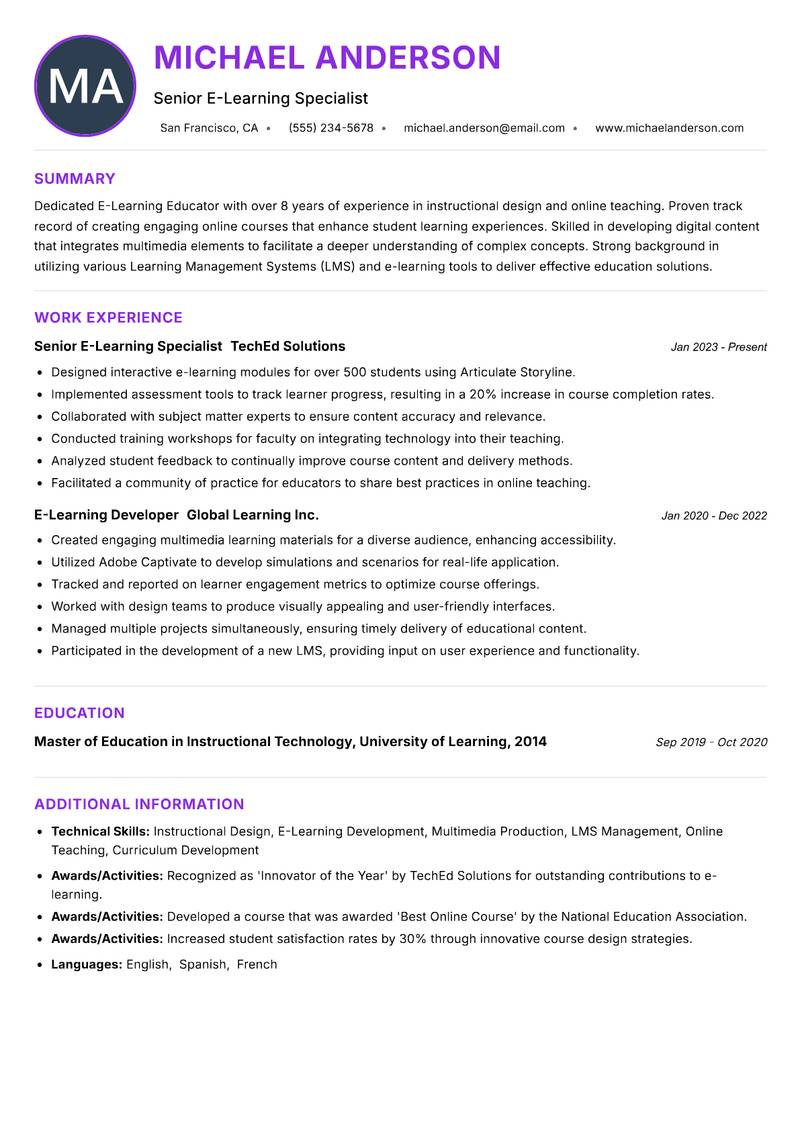
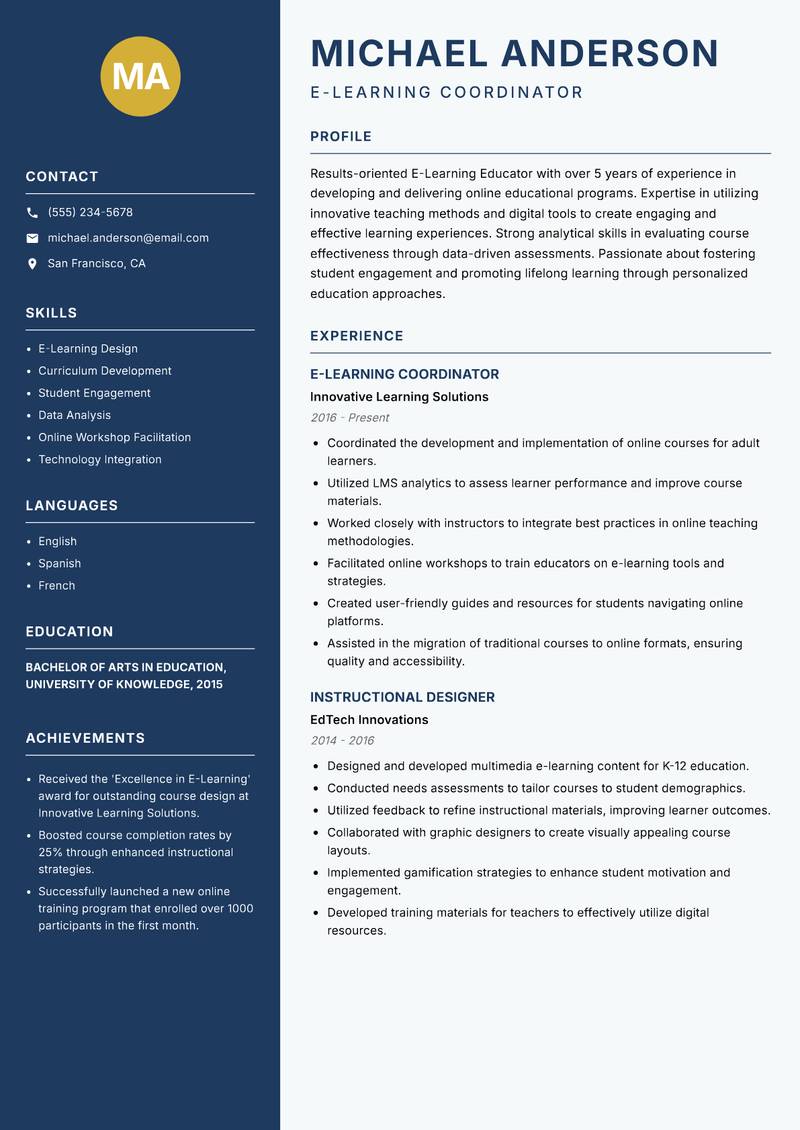
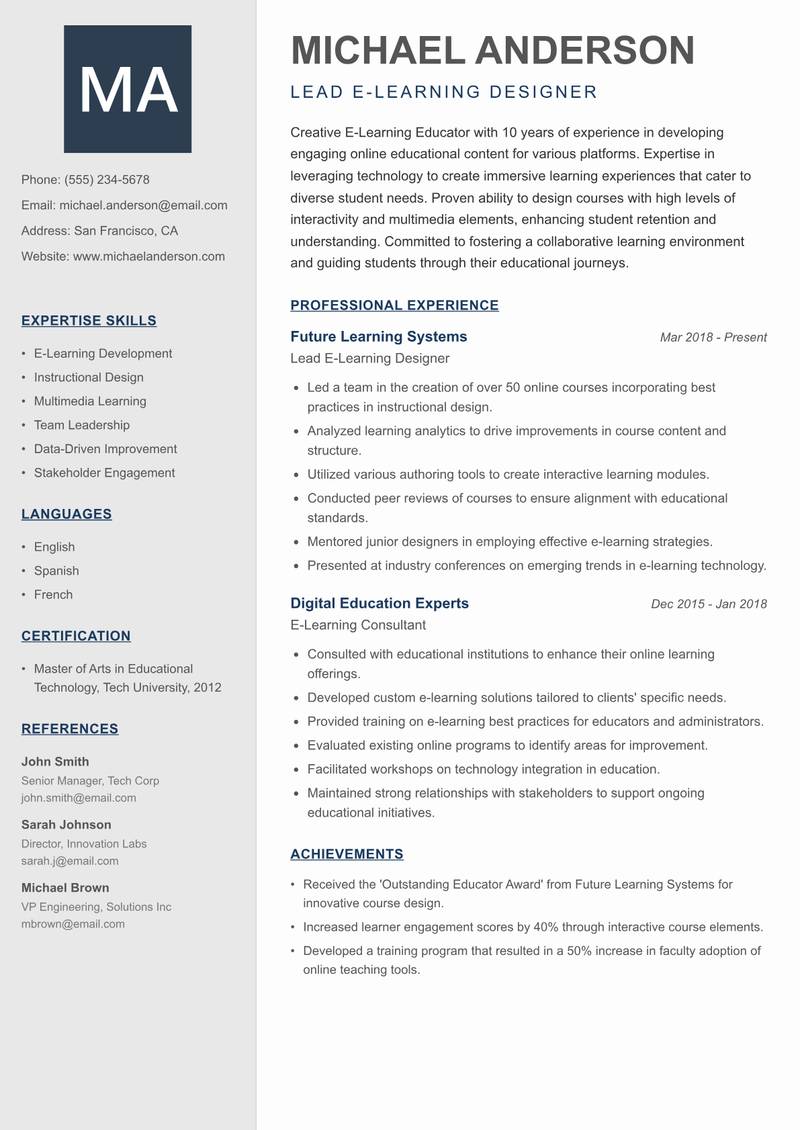
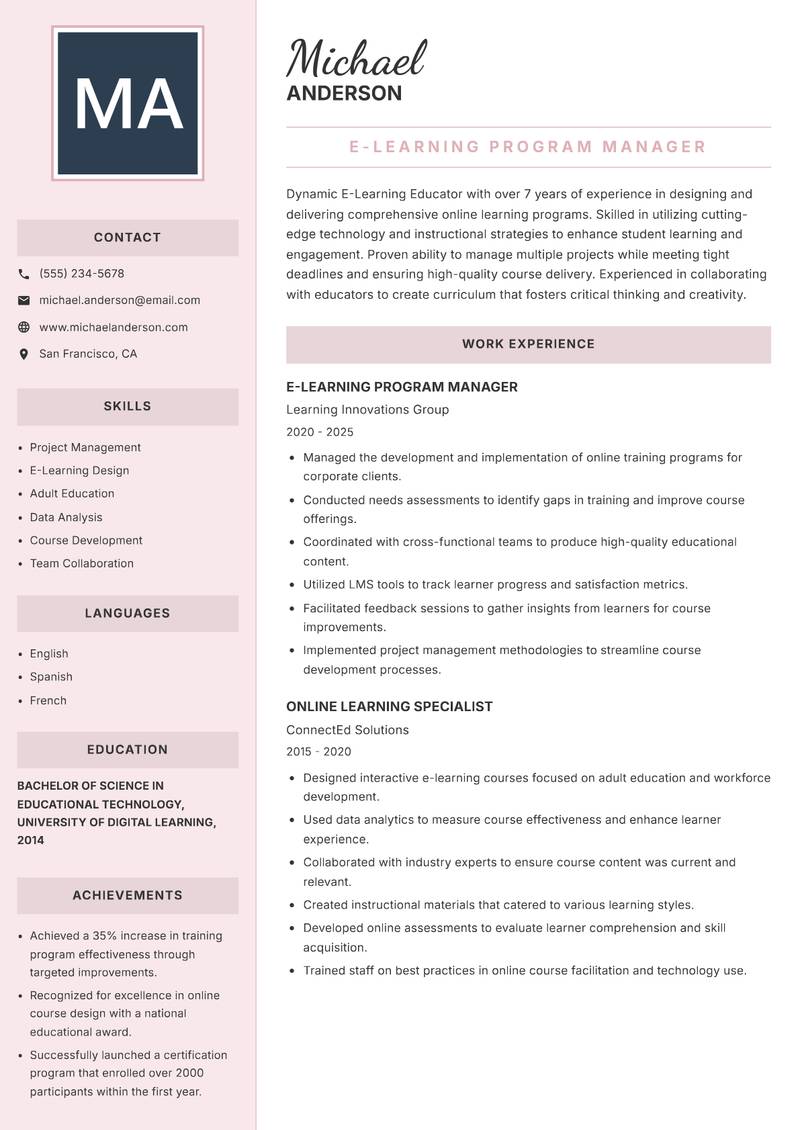
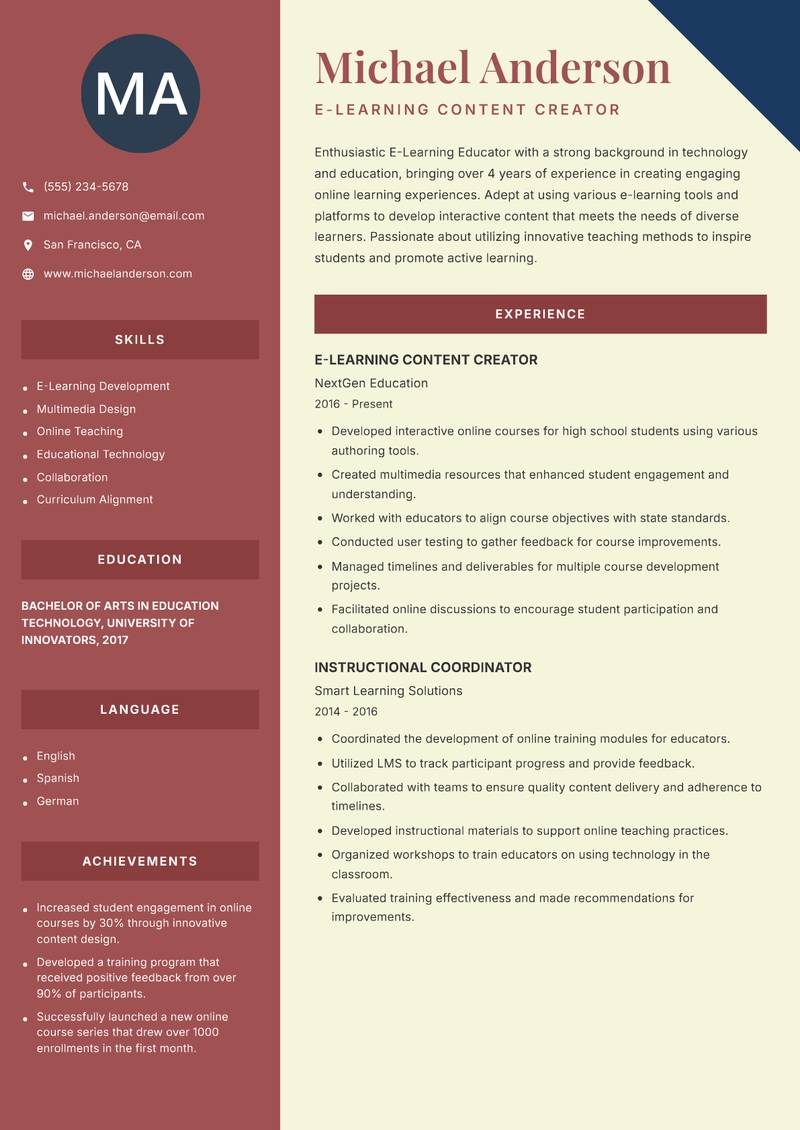
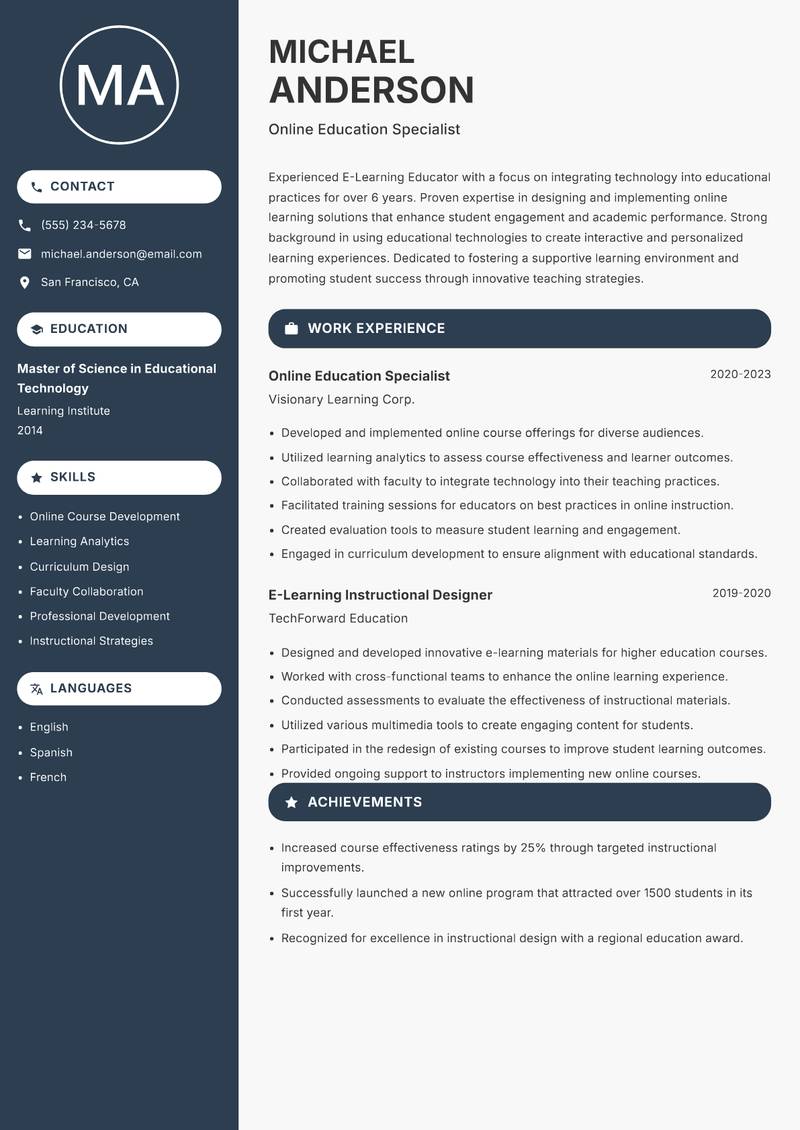
Browse E-Learning Educator resume examples built around virtual classroom facilitation (Zoom, teams, google meet), tailored for Online Education roles.
A strong E-Learning Educator resume leads with a focused professional summary that names the exact role and your standout achievement. In the experience section, open every bullet with a strong action verb and quantify the result with numbers wherever possible. Highlight your most relevant competencies — especially E-Learning Authoring Tools (Articulate Storyline, Rise, Captivate), Learning Management Systems (Canvas, Moodle, Blackboard, Cornerstone), and Virtual Classroom Facilitation (Zoom, Teams, Google Meet) — in a dedicated Skills section positioned early so ATS systems and hiring managers both find it immediately.
For format, most E-Learning Educator roles suit a reverse-chronological layout: most recent position first, working backwards. Keep to one page for under five years of experience, or two pages for senior candidates with a rich project or leadership history. Use clean, ATS-safe fonts (10–12pt), standard section headings (Summary, Experience, Education, Skills), and avoid tables, text boxes, or multi-column layouts that applicant tracking systems cannot parse reliably.