Desktop Support Engineer Resume

These Desktop Support Engineer resume samples are designed to help you write a resume that gets noticed by hiring managers and passes applicant tracking systems (ATS) in IT Support & Systems. Each example shows real formatting, section structure, and language you can adapt to your own background. When writing your own Desktop Support Engineer resume, focus on highlighting help desk & End-User support, active directory & group policy and windows / linux server administration. Recruiters scan for these qualifications first, so they should appear early in your summary and experience sections. Use strong action verbs such as "resolved", "administered", "configured", "deployed" to describe your achievements, and quantify your impact wherever possible — percentages, dollar amounts, or time saved make your resume more convincing. A common mistake to avoid: writing a generic objective statement instead of a targeted desktop support engineer professional summary. Tailor your resume to each Desktop Support Engineer position you apply for rather than using one generic version.

Desktop Support Engineer Resume Template
View PDF
0.0 (0 ratings)

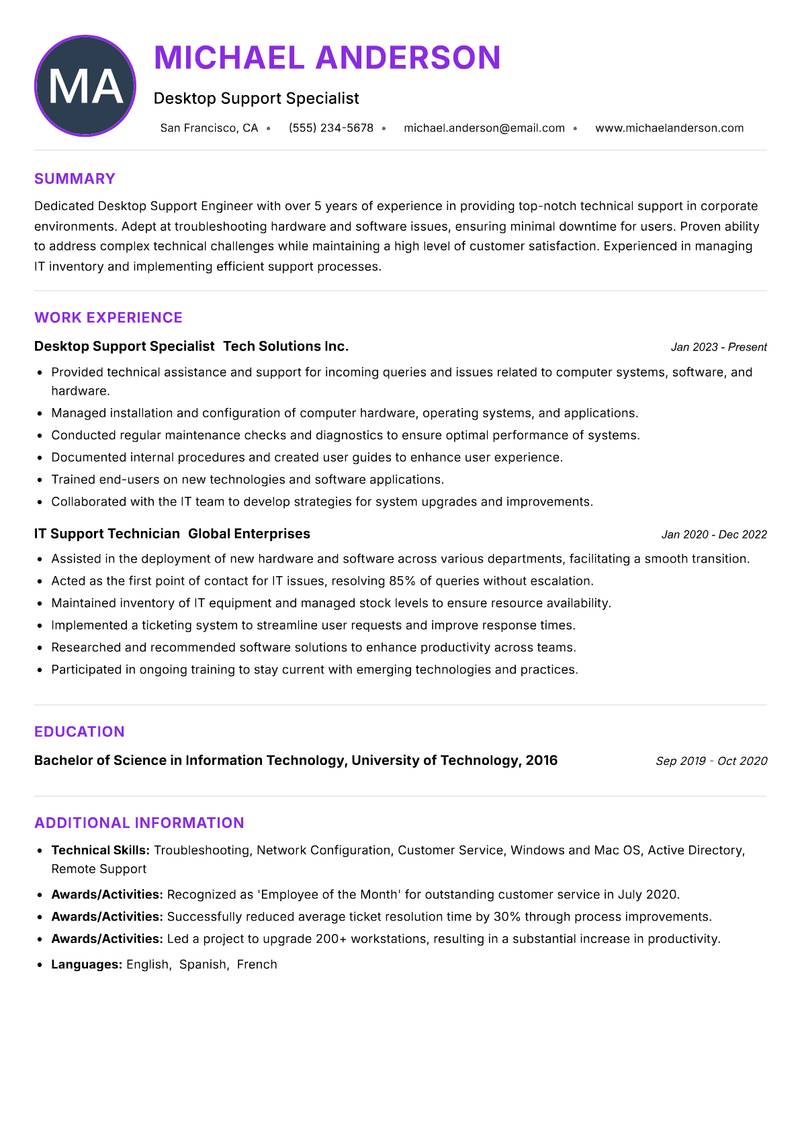
Desktop Support Specialist Resume

Dedicated Desktop Support Engineer with over 5 years of experience in providing top-notch technical support in corporate environments. Adept at troubleshooting hardware and software issues, ensuring minimal downtime for users. Proven ability to address complex technical challenges while maintaining a high level of customer satisfaction. Experienced in managing IT inventory and implementing efficient support processes. Strong knowledge of networking principles and security protocols, with a focus on maintaining secure and reliable systems. Committed to continuous improvement through professional development and staying updated with the latest technology trends.

Troubleshooting Network Configuration Customer Service Windows and Mac OS Active Directory Remote Support
Desktop Support Engineer Resume Preview Example
View PDF
  1. Provided technical assistance and support for incoming queries and issues related to computer systems, software, and hardware.
  2. Managed installation and configuration of computer hardware, operating systems, and applications.
  3. Conducted regular maintenance checks and diagnostics to ensure optimal performance of systems.
  4. Documented internal procedures and created user guides to enhance user experience.
  5. Trained end-users on new technologies and software applications.
  6. Collaborated with the IT team to develop strategies for system upgrades and improvements.
  1. Assisted in the deployment of new hardware and software across various departments, facilitating a smooth transition.
  2. Acted as the first point of contact for IT issues, resolving 85% of queries without escalation.
  3. Maintained inventory of IT equipment and managed stock levels to ensure resource availability.
  4. Implemented a ticketing system to streamline user requests and improve response times.
  5. Researched and recommended software solutions to enhance productivity across teams.
  6. Participated in ongoing training to stay current with emerging technologies and practices.

Achievements

  • Recognized as 'Employee of the Month' for outstanding customer service in July 2020.
  • Successfully reduced average ticket resolution time by 30% through process improvements.
  • Led a project to upgrade 200+ workstations, resulting in a substantial increase in productivity.
⏱️
Experience
2-5 Years
📅
Level
Mid Level
🎓
Education
Bachelor of Science in Informa...

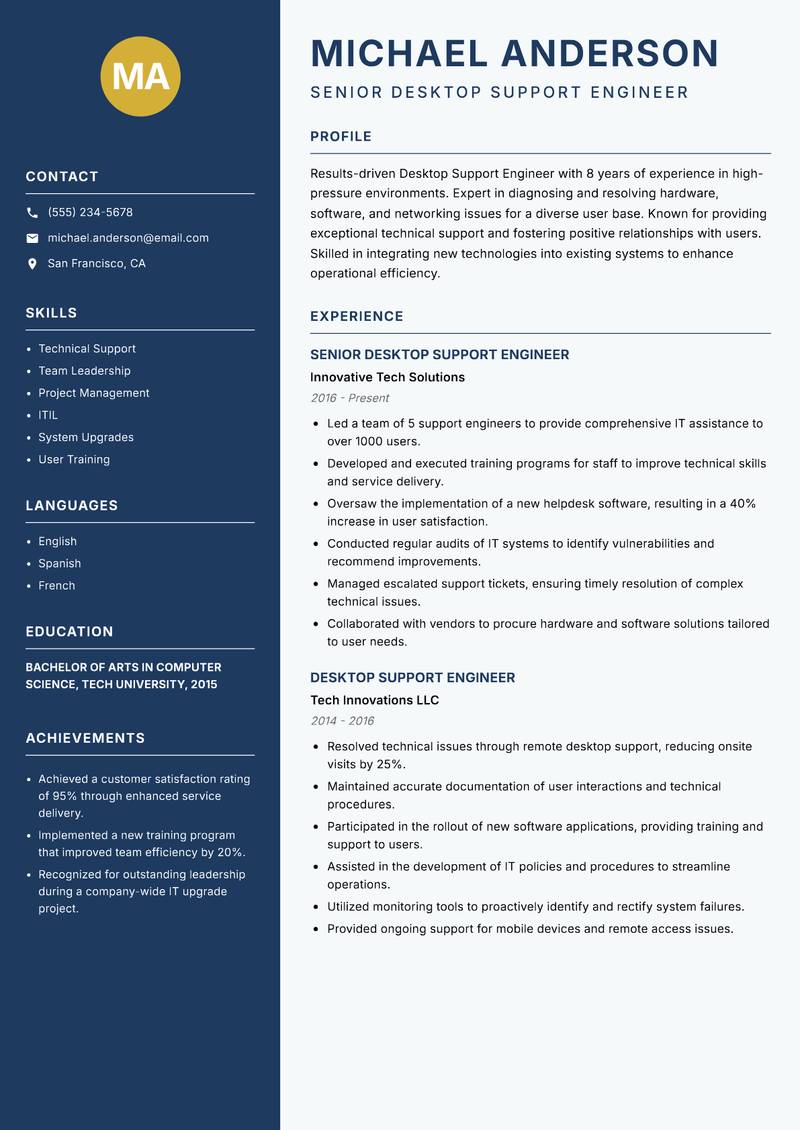
Senior Desktop Support Engineer Resume

Experienced Desktop Support Engineer with 8 years of experience in high-pressure environments. Expert in diagnosing and resolving hardware, software, and networking issues for a diverse user base. Known for providing exceptional technical support and fostering positive relationships with users. Skilled in integrating new technologies into existing systems to enhance operational efficiency. Proficient in managing IT projects, leading teams, and ensuring the delivery of quality service. Holds a strong commitment to continuous learning and professional growth.

Technical Support Team Leadership Project Management ITIL System Upgrades User Training
Desktop Support Engineer Resume Preview Example
View PDF
  1. Led a team of 5 support engineers to provide comprehensive IT assistance to over 1000 users.
  2. Developed and executed training programs for staff to improve technical skills and service delivery.
  3. Oversaw the implementation of a new helpdesk software, resulting in a 40% increase in user satisfaction.
  4. Conducted regular audits of IT systems to identify vulnerabilities and recommend improvements.
  5. Managed escalated support tickets, ensuring timely resolution of complex technical issues.
  6. Collaborated with vendors to procure hardware and software solutions tailored to user needs.
  1. Resolved technical issues through remote desktop support, reducing onsite visits by 25%.
  2. Maintained accurate documentation of user interactions and technical procedures.
  3. Participated in the rollout of new software applications, providing training and support to users.
  4. Assisted in the development of IT policies and procedures to streamline operations.
  5. Utilized monitoring tools to proactively identify and rectify system failures.
  6. Provided ongoing support for mobile devices and remote access issues.

Achievements

  • Achieved a customer satisfaction rating of 95% through enhanced service delivery.
  • Implemented a new training program that improved team efficiency by 20%.
  • Recognized for outstanding leadership during a company-wide IT upgrade project.
⏱️
Experience
2-5 Years
📅
Level
Mid Level
🎓
Education
Bachelor of Arts in Computer S...

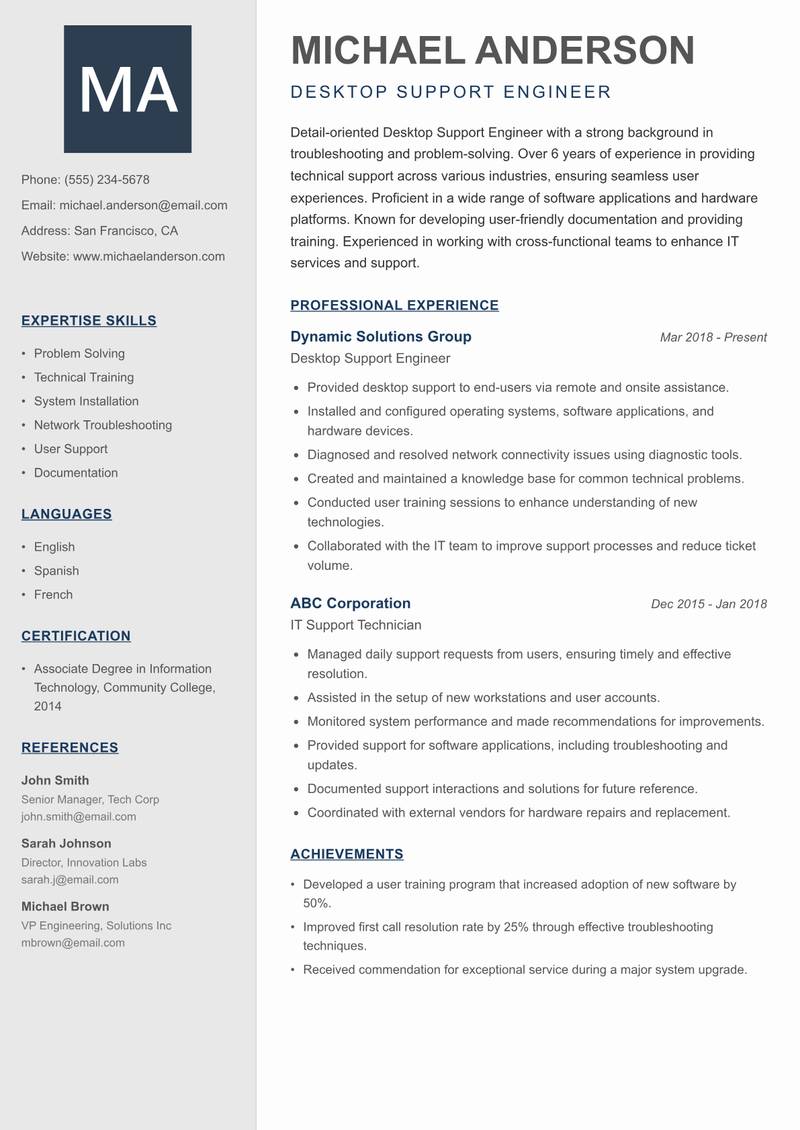
Desktop Support Engineer Resume

Detail-oriented Desktop Support Engineer with a strong background in troubleshooting and problem-solving. Over 6 years of experience in providing technical support across various industries, ensuring seamless user experiences. Proficient in a wide range of software applications and hardware platforms. Known for developing user-friendly documentation and providing training. Experienced in working with cross-functional teams to enhance IT services and support. Passionate about leveraging technology to improve business processes and user satisfaction.

Problem Solving Technical Training System Installation Network Troubleshooting User Support Documentation
Desktop Support Engineer Resume Preview Example
View PDF
  1. Provided desktop support to end-users via remote and onsite assistance.
  2. Installed and configured operating systems, software applications, and hardware devices.
  3. Diagnosed and resolved network connectivity issues using diagnostic tools.
  4. Created and maintained a knowledge base for common technical problems.
  5. Conducted user training sessions to enhance understanding of new technologies.
  6. Collaborated with the IT team to improve support processes and reduce ticket volume.
  1. Managed daily support requests from users, ensuring timely and effective resolution.
  2. Assisted in the setup of new workstations and user accounts.
  3. Monitored system performance and made recommendations for improvements.
  4. Provided support for software applications, including troubleshooting and updates.
  5. Documented support interactions and solutions for future reference.
  6. Coordinated with external vendors for hardware repairs and replacement.

Achievements

  • Developed a user training program that increased adoption of new software by 50%.
  • Improved first call resolution rate by 25% through effective troubleshooting techniques.
  • Received commendation for exceptional service during a major system upgrade.
⏱️
Experience
2-5 Years
📅
Level
Mid Level
🎓
Education
Associate Degree in Informatio...

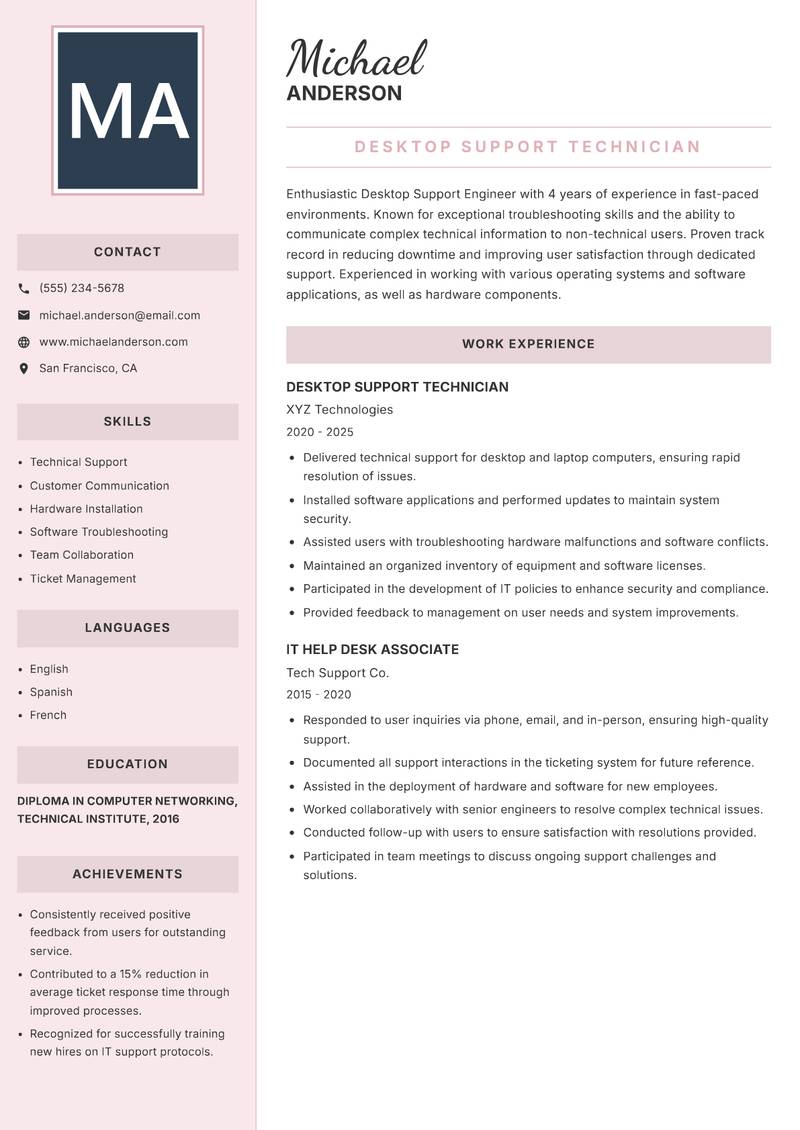
Desktop Support Technician Resume

Enthusiastic Desktop Support Engineer with 4 years of experience in fast-paced environments. Known for exceptional troubleshooting skills and the ability to communicate complex technical information to non-technical users. Proven track record in reducing downtime and improving user satisfaction through dedicated support. Experienced in working with various operating systems and software applications, as well as hardware components. Committed to providing a positive user experience and continuous improvement in IT service delivery.

Technical Support Customer Communication Hardware Installation Software Troubleshooting Team Collaboration Ticket Management
Desktop Support Engineer Resume Preview Example
View PDF
  1. Delivered technical support for desktop and laptop computers, ensuring rapid resolution of issues.
  2. Installed software applications and performed updates to maintain system security.
  3. Assisted users with troubleshooting hardware malfunctions and software conflicts.
  4. Maintained an organized inventory of equipment and software licenses.
  5. Participated in the development of IT policies to enhance security and compliance.
  6. Provided feedback to management on user needs and system improvements.
  1. Responded to user inquiries via phone, email, and in-person, ensuring high-quality support.
  2. Documented all support interactions in the ticketing system for future reference.
  3. Assisted in the deployment of hardware and software for new employees.
  4. Worked collaboratively with senior engineers to resolve complex technical issues.
  5. Conducted follow-up with users to ensure satisfaction with resolutions provided.
  6. Participated in team meetings to discuss ongoing support challenges and solutions.

Achievements

  • Consistently received positive feedback from users for outstanding service.
  • Contributed to a 15% reduction in average ticket response time through improved processes.
  • Recognized for successfully training new hires on IT support protocols.
⏱️
Experience
2-5 Years
📅
Level
Mid Level
🎓
Education
Diploma in Computer Networking...

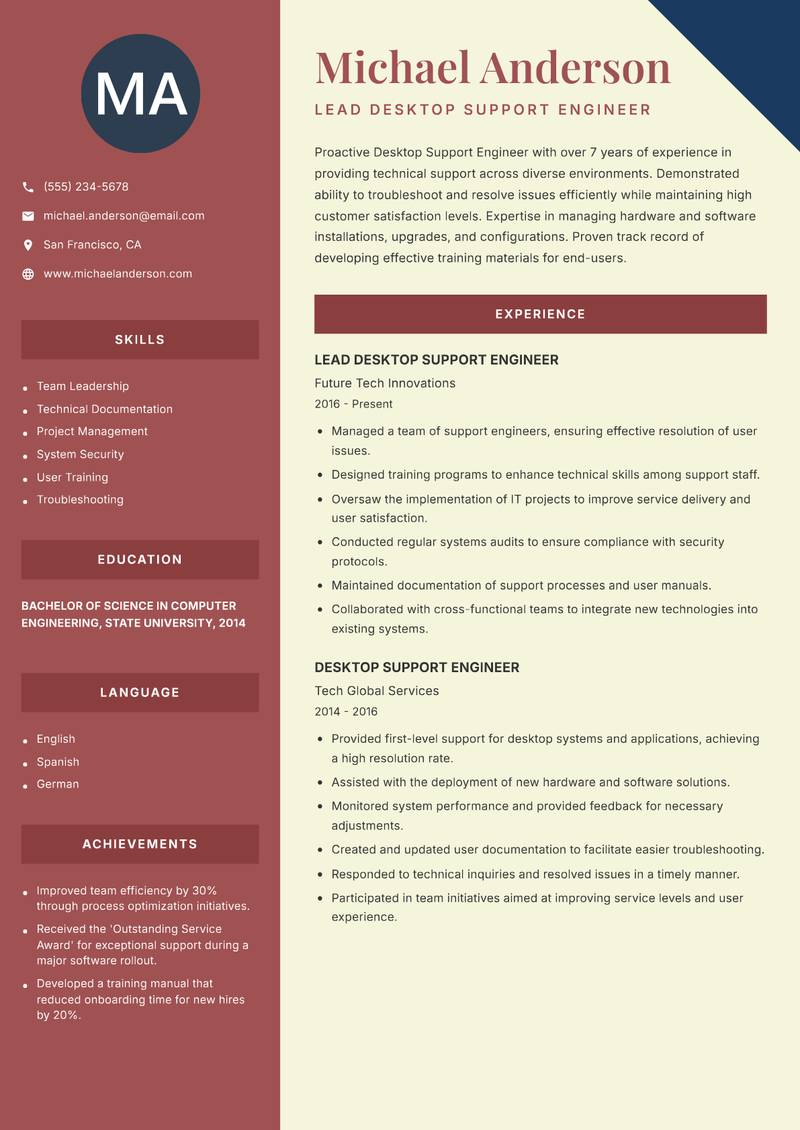
Lead Desktop Support Engineer Resume

Driven Desktop Support Engineer with over 7 years of experience in providing technical support across diverse environments. Demonstrated ability to troubleshoot and resolve issues efficiently while maintaining high customer satisfaction levels. Expertise in managing hardware and software installations, upgrades, and configurations. Proven track record of developing effective training materials for end-users. Committed to fostering strong relationships with clients and contributing to a collaborative team environment. Always eager to learn new technologies to enhance service delivery.

Team Leadership Technical Documentation Project Management System Security User Training Troubleshooting
Desktop Support Engineer Resume Preview Example
View PDF
  1. Managed a team of support engineers, ensuring effective resolution of user issues.
  2. Designed training programs to enhance technical skills among support staff.
  3. Oversaw the implementation of IT projects to improve service delivery and user satisfaction.
  4. Conducted regular systems audits to ensure compliance with security protocols.
  5. Maintained documentation of support processes and user manuals.
  6. Collaborated with cross-functional teams to integrate new technologies into existing systems.
  1. Provided first-level support for desktop systems and applications, achieving a high resolution rate.
  2. Assisted with the deployment of new hardware and software solutions.
  3. Monitored system performance and provided feedback for necessary adjustments.
  4. Created and updated user documentation to facilitate easier troubleshooting.
  5. Responded to technical inquiries and resolved issues in a timely manner.
  6. Participated in team initiatives aimed at improving service levels and user experience.

Achievements

  • Improved team efficiency by 30% through process optimization initiatives.
  • Received the 'Outstanding Service Award' for exceptional support during a major software rollout.
  • Developed a training manual that reduced onboarding time for new hires by 20%.
⏱️
Experience
2-5 Years
📅
Level
Mid Level
🎓
Education
Bachelor of Science in Compute...

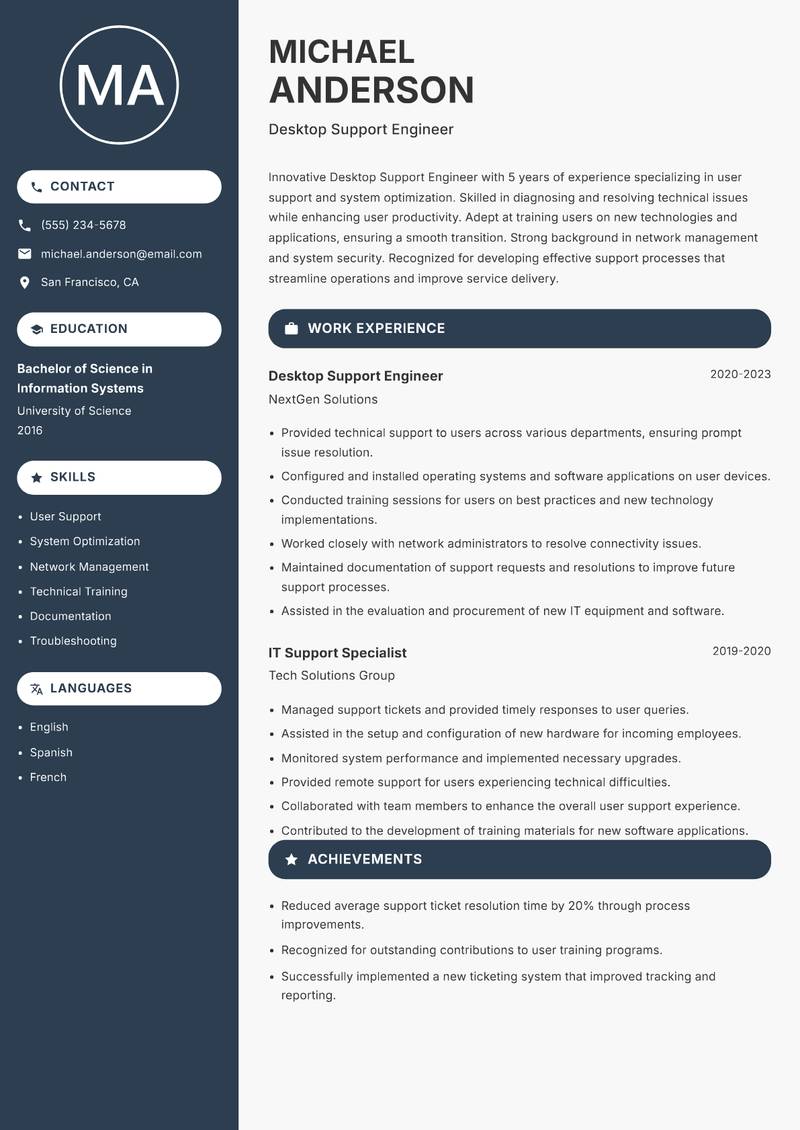
Desktop Support Engineer Resume

Innovative Desktop Support Engineer with 5 years of experience specializing in user support and system optimization. Skilled in diagnosing and resolving technical issues while enhancing user productivity. Adept at training users on new technologies and applications, ensuring a smooth transition. Strong background in network management and system security. Recognized for developing effective support processes that streamline operations and improve service delivery. Passionate about leveraging technology to meet organizational goals and improve user satisfaction.

User Support System Optimization Network Management Technical Training Documentation Troubleshooting
Desktop Support Engineer Resume Preview Example
View PDF
  1. Provided technical support to users across various departments, ensuring prompt issue resolution.
  2. Configured and installed operating systems and software applications on user devices.
  3. Conducted training sessions for users on best practices and new technology implementations.
  4. Worked closely with network administrators to resolve connectivity issues.
  5. Maintained documentation of support requests and resolutions to improve future support processes.
  6. Assisted in the evaluation and procurement of new IT equipment and software.
  1. Managed support tickets and provided timely responses to user queries.
  2. Assisted in the setup and configuration of new hardware for incoming employees.
  3. Monitored system performance and implemented necessary upgrades.
  4. Provided remote support for users experiencing technical difficulties.
  5. Collaborated with team members to enhance the overall user support experience.
  6. Contributed to the development of training materials for new software applications.

Achievements

  • Reduced average support ticket resolution time by 20% through process improvements.
  • Recognized for outstanding contributions to user training programs.
  • Successfully implemented a new ticketing system that improved tracking and reporting.
⏱️
Experience
2-5 Years
📅
Level
Mid Level
🎓
Education
Bachelor of Science in Informa...

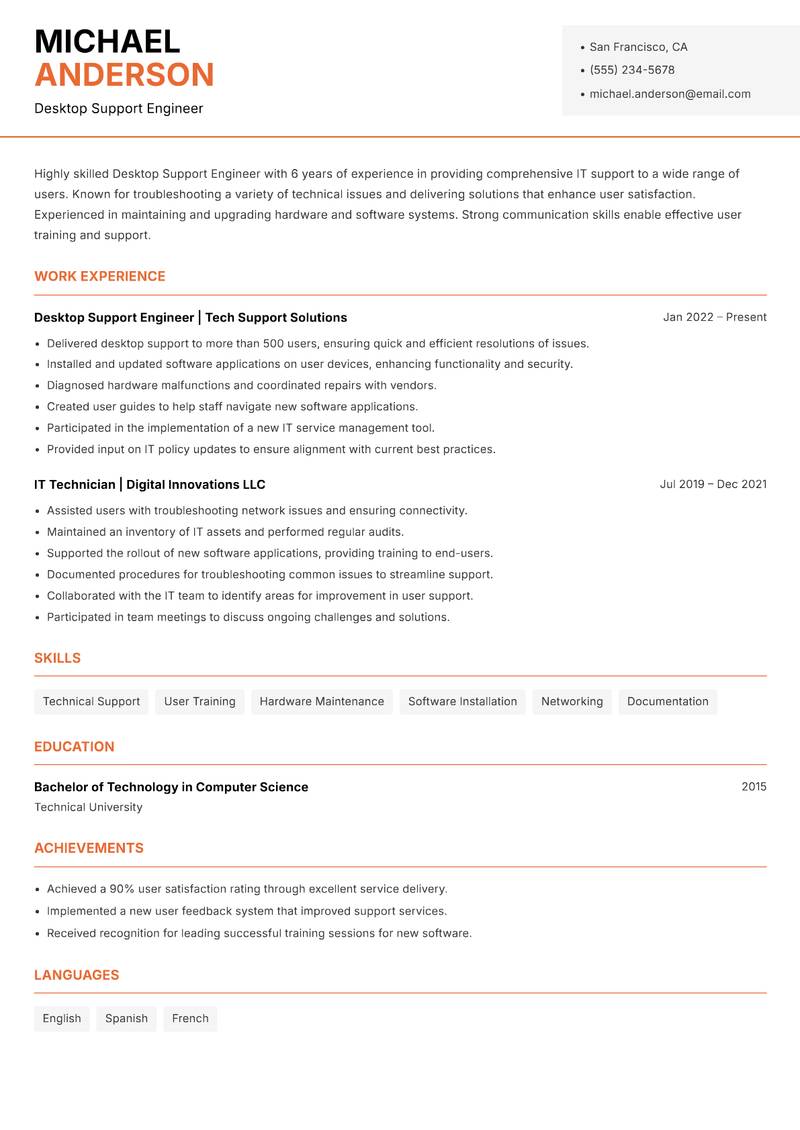
Desktop Support Engineer Resume

Highly skilled Desktop Support Engineer with 6 years of experience in providing comprehensive IT support to a wide range of users. Known for troubleshooting a variety of technical issues and delivering solutions that enhance user satisfaction. Experienced in maintaining and upgrading hardware and software systems. Strong communication skills enable effective user training and support. Proven ability to work under pressure and manage multiple tasks simultaneously. Committed to ongoing professional development to stay current with evolving technologies.

Technical Support User Training Hardware Maintenance Software Installation Networking Documentation
Desktop Support Engineer Resume Preview Example
View PDF
  1. Delivered desktop support to more than 500 users, ensuring quick and efficient resolutions of issues.
  2. Installed and updated software applications on user devices, enhancing functionality and security.
  3. Diagnosed hardware malfunctions and coordinated repairs with vendors.
  4. Created user guides to help staff navigate new software applications.
  5. Participated in the implementation of a new IT service management tool.
  6. Provided input on IT policy updates to ensure alignment with current best practices.
  1. Assisted users with troubleshooting network issues and ensuring connectivity.
  2. Maintained an inventory of IT assets and performed regular audits.
  3. Supported the rollout of new software applications, providing training to end-users.
  4. Documented procedures for troubleshooting common issues to streamline support.
  5. Collaborated with the IT team to identify areas for improvement in user support.
  6. Participated in team meetings to discuss ongoing challenges and solutions.

Achievements

  • Achieved a 90% user satisfaction rating through excellent service delivery.
  • Implemented a new user feedback system that improved support services.
  • Received recognition for leading successful training sessions for new software.
⏱️
Experience
2-5 Years
📅
Level
Mid Level
🎓
Education
Bachelor of Technology in Comp...

Key Skills for Desktop Support Engineer Positions

Resume Tips for Desktop Support Engineer Applications

Strong Action Verbs for Desktop Support Engineer Resumes

Resolved · Administered · Configured · Deployed · Maintained · Troubleshooted · Automated · Upgraded · Migrated · Documented · Achieved · Analyzed · Architected · Assessed

Common Mistakes to Avoid

Experience Levels

How to Write a Desktop Support Engineer Resume

Browse Desktop Support Engineer resume examples built around active directory & group policy, tailored for IT Support & Systems roles.

A strong Desktop Support Engineer resume leads with a focused professional summary that names the exact role and your standout achievement. In the experience section, open every bullet with a strong action verb and quantify the result with numbers wherever possible. Highlight your most relevant competencies — especially Help Desk & End-User Support, Active Directory & Group Policy, and Windows / Linux Server Administration — in a dedicated Skills section positioned early so ATS systems and hiring managers both find it immediately.

For format, most Desktop Support Engineer roles suit a reverse-chronological layout: most recent position first, working backwards. Keep to one page for under five years of experience, or two pages for senior candidates with a rich project or leadership history. Use clean, ATS-safe fonts (10–12pt), standard section headings (Summary, Experience, Education, Skills), and avoid tables, text boxes, or multi-column layouts that applicant tracking systems cannot parse reliably.
Frequently Asked Questions

What makes a strong Desktop Support Engineer resume stand out to employers?

A standout Desktop Support Engineer resume combines role-specific skills with quantified achievements. Name the exact job title in your professional summary, mirror keywords from each job posting, and open every bullet point with a strong action verb followed by a measurable result. Certifications, tools, and domain experience specific to desktop support engineer roles should appear prominently near the top.

What skills are most important to include on a IT Support & Systems resume?

Recruiters hiring in IT Support & Systems consistently look for Help Desk & End-User Support, Active Directory & Group Policy, Windows / Linux Server Administration, Network Troubleshooting & Configuration. List these in a dedicated Skills section near the top so both ATS systems and human reviewers spot them fast. Mirror the exact phrasing from each job posting wherever possible — many applicant tracking systems match literal strings rather than synonyms.

What is the best resume format for IT Support & Systems professionals?

A reverse-chronological format is the standard choice for most IT Support & Systems candidates — employers expect to see your most recent role first, working backwards. If you are transitioning into IT Support & Systems from a related field, a hybrid format (brief skills summary at the top followed by chronological experience) can bridge the gap effectively. Keep the document to one page for under five years of experience, or two pages for senior specialists.

How do I make my IT Support & Systems resume pass applicant tracking systems (ATS)?

Use standard section headings — Summary, Experience, Education, Skills — rather than creative labels that ATS parsers do not recognise. Embed domain keywords such as "Help Desk & End-User Support" and "Active Directory & Group Policy" naturally inside your experience bullets rather than cramming them into a standalone keyword list. Avoid tables, multi-column layouts, text boxes, headers, footers, and images — these confuse most modern parsers and can cause your resume to be misread or rejected before a human sees it.

What mistakes do IT Support & Systems professionals most commonly make on their resume?

The most frequent issue is omitting response time and SLA metrics — operational roles are judged on performance data. Beyond that, generic objective statements, unquantified achievements, and inconsistent date formatting appear across almost every IT Support & Systems application. Fix these by replacing every vague claim with a measurable outcome — specific numbers and named projects add credibility that adjectives cannot.

How long should a IT Support & Systems resume be?

One page is appropriate for candidates with under five years of relevant IT Support & Systems experience. Two pages are acceptable — and sometimes expected — for senior specialists, managers, or professionals with a strong portfolio of projects, publications, or credentials. Avoid padding to reach a page count: every line should directly support your application for the specific role you are targeting.

Should I include a professional summary at the top of my IT Support & Systems resume?

Yes — a two to three sentence summary is the first section most recruiters read. Open with your title and years of IT Support & Systems experience, then name your most relevant achievement or specialisation. One proven approach: Quantify support metrics: ticket resolution time, SLA compliance rate, end-user satisfaction scores — this level of specificity signals genuine expertise before a recruiter reaches your experience section.

Scroll to view samples