Desktop Support Technician Resume

These Desktop Support Technician resume samples are designed to help you write a resume that gets noticed by hiring managers and passes applicant tracking systems (ATS) in IT Support & Systems. Each example shows real formatting, section structure, and language you can adapt to your own background. When writing your own Desktop Support Technician resume, focus on highlighting help desk & End-User support, active directory & group policy and windows / linux server administration. Recruiters scan for these qualifications first, so they should appear early in your summary and experience sections. Use strong action verbs such as "resolved", "administered", "configured", "deployed" to describe your achievements, and quantify your impact wherever possible — percentages, dollar amounts, or time saved make your resume more convincing. A common mistake to avoid: writing a generic objective statement instead of a targeted desktop support technician professional summary. Tailor your resume to each Desktop Support Technician position you apply for rather than using one generic version.

Desktop Support Technician Resume Template
View PDF
0.0 (0 ratings)

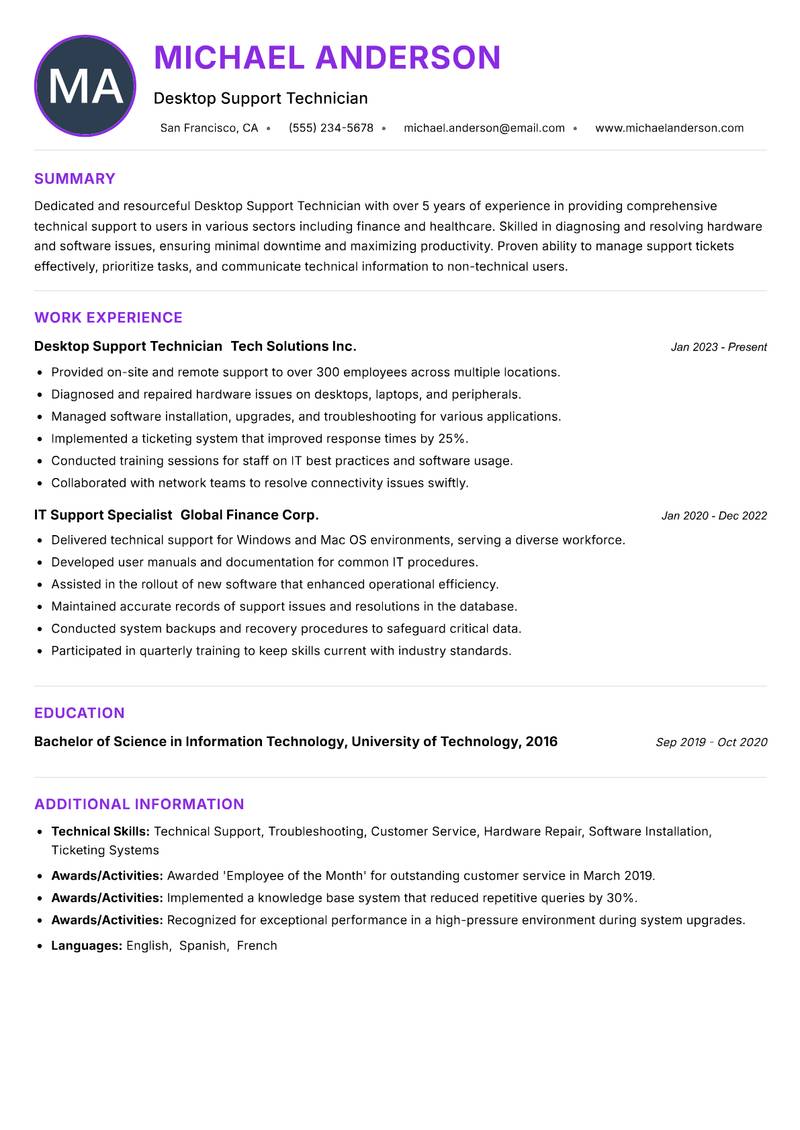
Desktop Support Technician Resume

Dedicated and resourceful Desktop Support Technician with over 5 years of experience in providing comprehensive technical support to users in various sectors including finance and healthcare. Skilled in diagnosing and resolving hardware and software issues, ensuring minimal downtime and maximizing productivity. Proven ability to manage support tickets effectively, prioritize tasks, and communicate technical information to non-technical users. Adept at implementing efficient solutions tailored to customer needs and maintaining a user-friendly environment. Strong background in training staff on new technologies and systems, fostering a tech-savvy culture within the organization. Committed to continuous professional development and staying updated with emerging technologies to enhance service delivery.

Technical Support Troubleshooting Customer Service Hardware Repair Software Installation Ticketing Systems
Desktop Support Technician Resume Preview Example
View PDF
  1. Provided on-site and remote support to over 300 employees across multiple locations.
  2. Diagnosed and repaired hardware issues on desktops, laptops, and peripherals.
  3. Managed software installation, upgrades, and troubleshooting for various applications.
  4. Implemented a ticketing system that improved response times by 25%.
  5. Conducted training sessions for staff on IT best practices and software usage.
  6. Collaborated with network teams to resolve connectivity issues swiftly.
  1. Delivered technical support for Windows and Mac OS environments, serving a diverse workforce.
  2. Developed user manuals and documentation for common IT procedures.
  3. Assisted in the rollout of new software that enhanced operational efficiency.
  4. Maintained accurate records of support issues and resolutions in the database.
  5. Conducted system backups and recovery procedures to safeguard critical data.
  6. Participated in quarterly training to keep skills current with industry standards.

Achievements

  • Awarded 'Employee of the Month' for outstanding customer service in March 2019.
  • Implemented a knowledge base system that reduced repetitive queries by 30%.
  • Recognized for exceptional performance in a high-pressure environment during system upgrades.
⏱️
Experience
2-5 Years
📅
Level
Mid Level
🎓
Education
Bachelor of Science in Informa...

Desktop Support Technician Resume

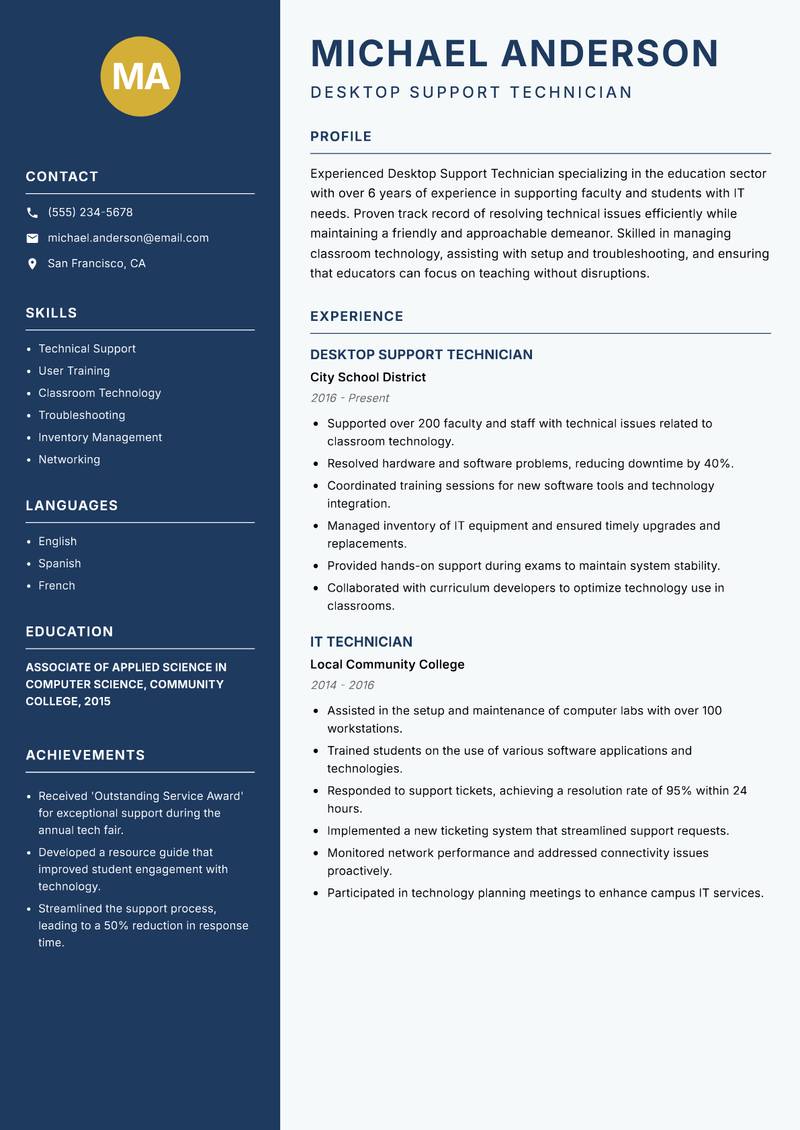
Experienced Desktop Support Technician specializing in the education sector with over 6 years of experience in supporting faculty and students with IT needs. Proven track record of resolving technical issues efficiently while maintaining a friendly and approachable demeanor. Skilled in managing classroom technology, assisting with setup and troubleshooting, and ensuring that educators can focus on teaching without disruptions. Strong expertise in software applications commonly used in educational environments and familiarity with learning management systems. Committed to enhancing the learning experience through effective use of technology and providing training to users.

Technical Support User Training Classroom Technology Troubleshooting Inventory Management Networking
Desktop Support Technician Resume Preview Example
View PDF
  1. Supported over 200 faculty and staff with technical issues related to classroom technology.
  2. Resolved hardware and software problems, reducing downtime by 40%.
  3. Coordinated training sessions for new software tools and technology integration.
  4. Managed inventory of IT equipment and ensured timely upgrades and replacements.
  5. Provided hands-on support during exams to maintain system stability.
  6. Collaborated with curriculum developers to optimize technology use in classrooms.
  1. Assisted in the setup and maintenance of computer labs with over 100 workstations.
  2. Trained students on the use of various software applications and technologies.
  3. Responded to support tickets, achieving a resolution rate of 95% within 24 hours.
  4. Implemented a new ticketing system that streamlined support requests.
  5. Monitored network performance and addressed connectivity issues proactively.
  6. Participated in technology planning meetings to enhance campus IT services.

Achievements

  • Received 'Outstanding Service Award' for exceptional support during the annual tech fair.
  • Developed a resource guide that improved student engagement with technology.
  • Streamlined the support process, leading to a 50% reduction in response time.
⏱️
Experience
2-5 Years
📅
Level
Mid Level
🎓
Education
Associate of Applied Science i...

Desktop Support Technician Resume

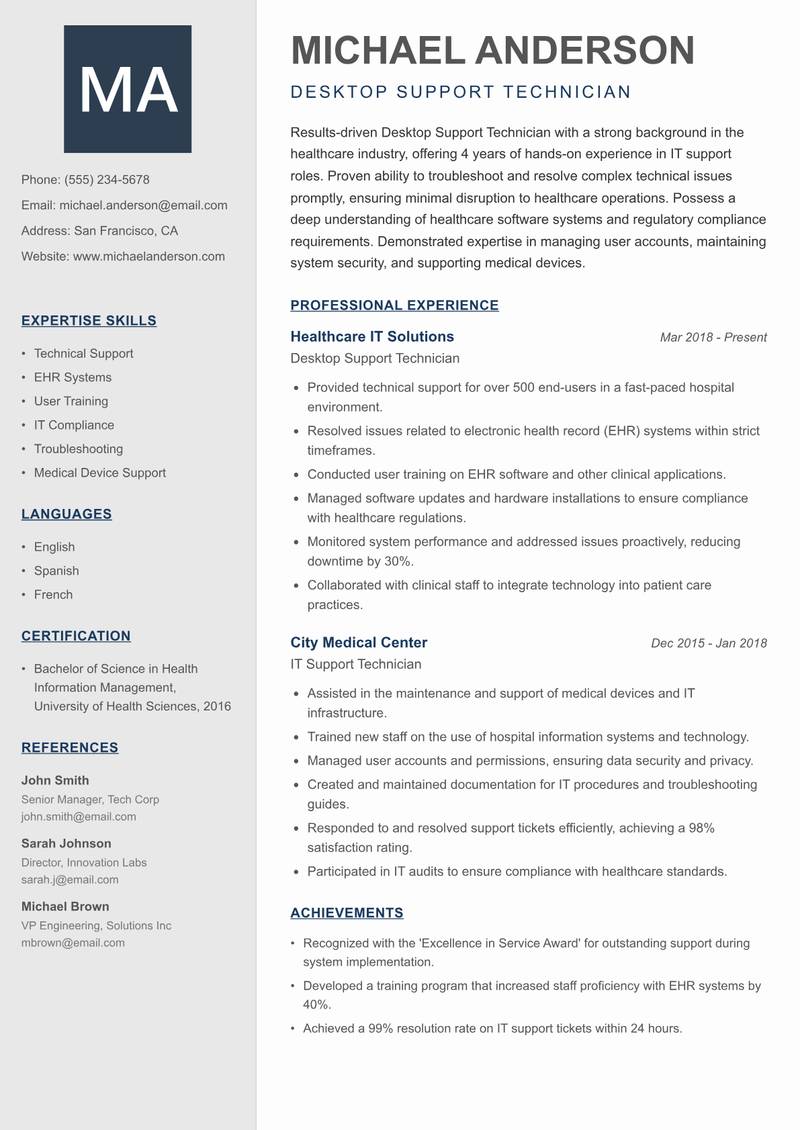
Experienced Desktop Support Technician with a strong background in the healthcare industry, offering 4 years of hands-on experience in IT support roles. Proven ability to troubleshoot and resolve complex technical issues promptly, ensuring minimal disruption to healthcare operations. Possess a deep understanding of healthcare software systems and regulatory compliance requirements. Demonstrated expertise in managing user accounts, maintaining system security, and supporting medical devices. Committed to providing exceptional user experiences while adhering to healthcare standards and best practices.

Technical Support EHR Systems User Training IT Compliance Troubleshooting Medical Device Support
Desktop Support Technician Resume Preview Example
View PDF
  1. Provided technical support for over 500 end-users in a fast-paced hospital environment.
  2. Resolved issues related to electronic health record (EHR) systems within strict timeframes.
  3. Conducted user training on EHR software and other clinical applications.
  4. Managed software updates and hardware installations to ensure compliance with healthcare regulations.
  5. Monitored system performance and addressed issues proactively, reducing downtime by 30%.
  6. Collaborated with clinical staff to integrate technology into patient care practices.
  1. Assisted in the maintenance and support of medical devices and IT infrastructure.
  2. Trained new staff on the use of hospital information systems and technology.
  3. Managed user accounts and permissions, ensuring data security and privacy.
  4. Created and maintained documentation for IT procedures and troubleshooting guides.
  5. Responded to and resolved support tickets efficiently, achieving a 98% satisfaction rating.
  6. Participated in IT audits to ensure compliance with healthcare standards.

Achievements

  • Recognized with the 'Excellence in Service Award' for outstanding support during system implementation.
  • Developed a training program that increased staff proficiency with EHR systems by 40%.
  • Achieved a 99% resolution rate on IT support tickets within 24 hours.
⏱️
Experience
2-5 Years
📅
Level
Mid Level
🎓
Education
Bachelor of Science in Health ...

Desktop Support Technician Resume

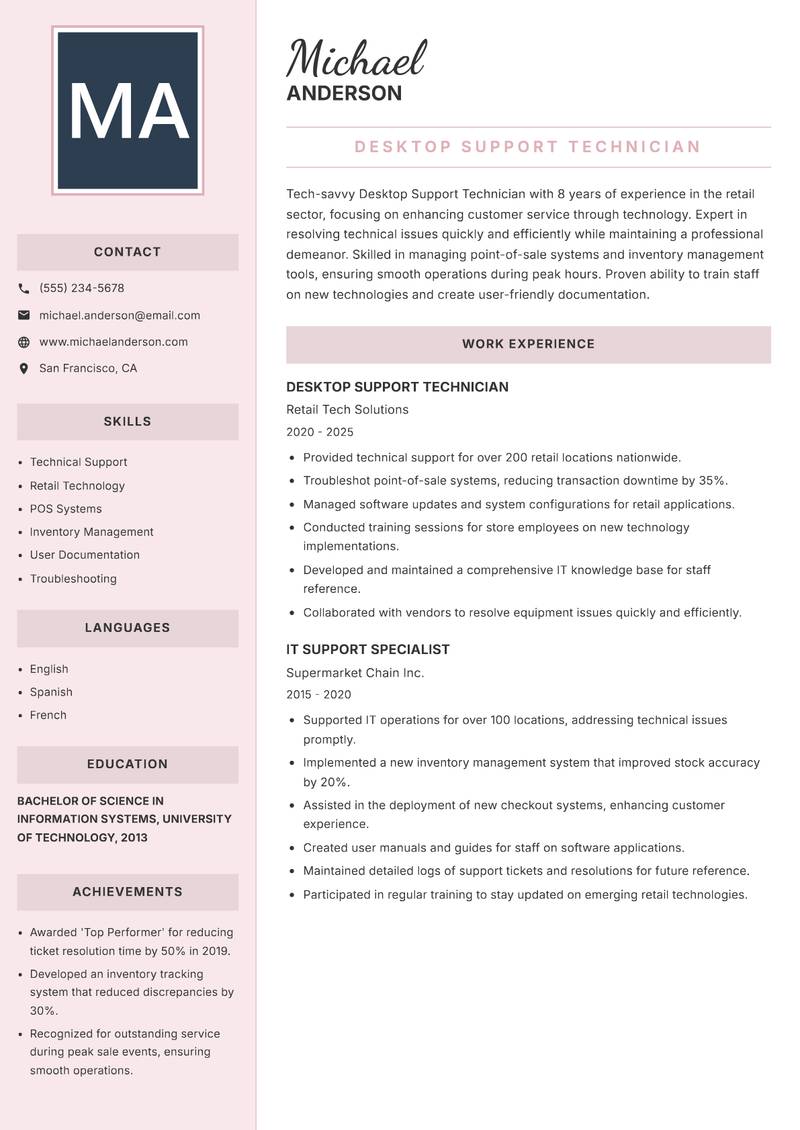
Tech-savvy Desktop Support Technician with 8 years of experience in the retail sector, focusing on enhancing customer service through technology. Expert in resolving technical issues quickly and efficiently while maintaining a professional demeanor. Skilled in managing point-of-sale systems and inventory management tools, ensuring smooth operations during peak hours. Proven ability to train staff on new technologies and create user-friendly documentation. Strong commitment to improving IT processes and implementing innovative solutions that drive operational efficiency and customer satisfaction.

Technical Support Retail Technology POS Systems Inventory Management User Documentation Troubleshooting
Desktop Support Technician Resume Preview Example
View PDF
  1. Provided technical support for over 200 retail locations nationwide.
  2. Troubleshot point-of-sale systems, reducing transaction downtime by 35%.
  3. Managed software updates and system configurations for retail applications.
  4. Conducted training sessions for store employees on new technology implementations.
  5. Developed and maintained a comprehensive IT knowledge base for staff reference.
  6. Collaborated with vendors to resolve equipment issues quickly and efficiently.
  1. Supported IT operations for over 100 locations, addressing technical issues promptly.
  2. Implemented a new inventory management system that improved stock accuracy by 20%.
  3. Assisted in the deployment of new checkout systems, enhancing customer experience.
  4. Created user manuals and guides for staff on software applications.
  5. Maintained detailed logs of support tickets and resolutions for future reference.
  6. Participated in regular training to stay updated on emerging retail technologies.

Achievements

  • Awarded 'Top Performer' for reducing ticket resolution time by 50% in 2019.
  • Developed an inventory tracking system that reduced discrepancies by 30%.
  • Recognized for outstanding service during peak sale events, ensuring smooth operations.
⏱️
Experience
2-5 Years
📅
Level
Mid Level
🎓
Education
Bachelor of Science in Informa...

Desktop Support Technician Resume

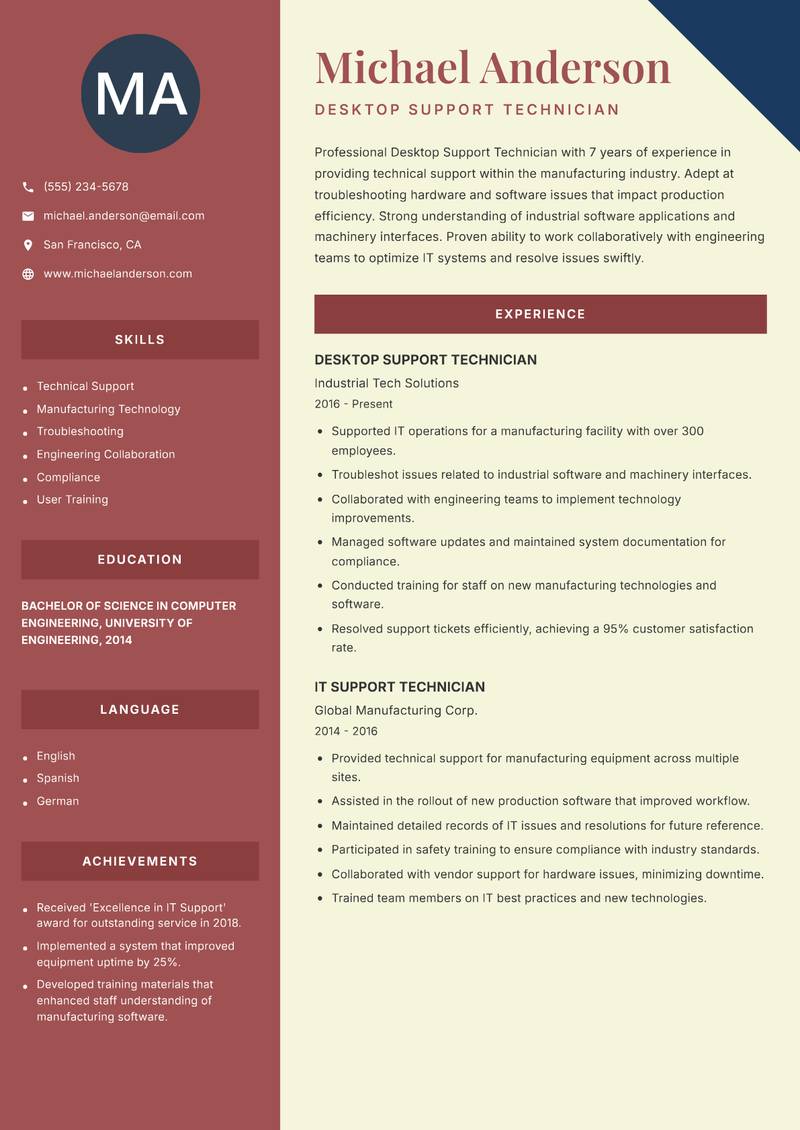
Professional Desktop Support Technician with 7 years of experience in providing technical support within the manufacturing industry. Adept at troubleshooting hardware and software issues that impact production efficiency. Strong understanding of industrial software applications and machinery interfaces. Proven ability to work collaboratively with engineering teams to optimize IT systems and resolve issues swiftly. Committed to maintaining high standards of quality and performance while ensuring compliance with industry regulations. Excels in fast-paced environments and has a passion for continuous learning in technology advancements.

Technical Support Manufacturing Technology Troubleshooting Engineering Collaboration Compliance User Training
Desktop Support Technician Resume Preview Example
View PDF
  1. Supported IT operations for a manufacturing facility with over 300 employees.
  2. Troubleshot issues related to industrial software and machinery interfaces.
  3. Collaborated with engineering teams to implement technology improvements.
  4. Managed software updates and maintained system documentation for compliance.
  5. Conducted training for staff on new manufacturing technologies and software.
  6. Resolved support tickets efficiently, achieving a 95% customer satisfaction rate.
  1. Provided technical support for manufacturing equipment across multiple sites.
  2. Assisted in the rollout of new production software that improved workflow.
  3. Maintained detailed records of IT issues and resolutions for future reference.
  4. Participated in safety training to ensure compliance with industry standards.
  5. Collaborated with vendor support for hardware issues, minimizing downtime.
  6. Trained team members on IT best practices and new technologies.

Achievements

  • Received 'Excellence in IT Support' award for outstanding service in 2018.
  • Implemented a system that improved equipment uptime by 25%.
  • Developed training materials that enhanced staff understanding of manufacturing software.
⏱️
Experience
2-5 Years
📅
Level
Mid Level
🎓
Education
Bachelor of Science in Compute...

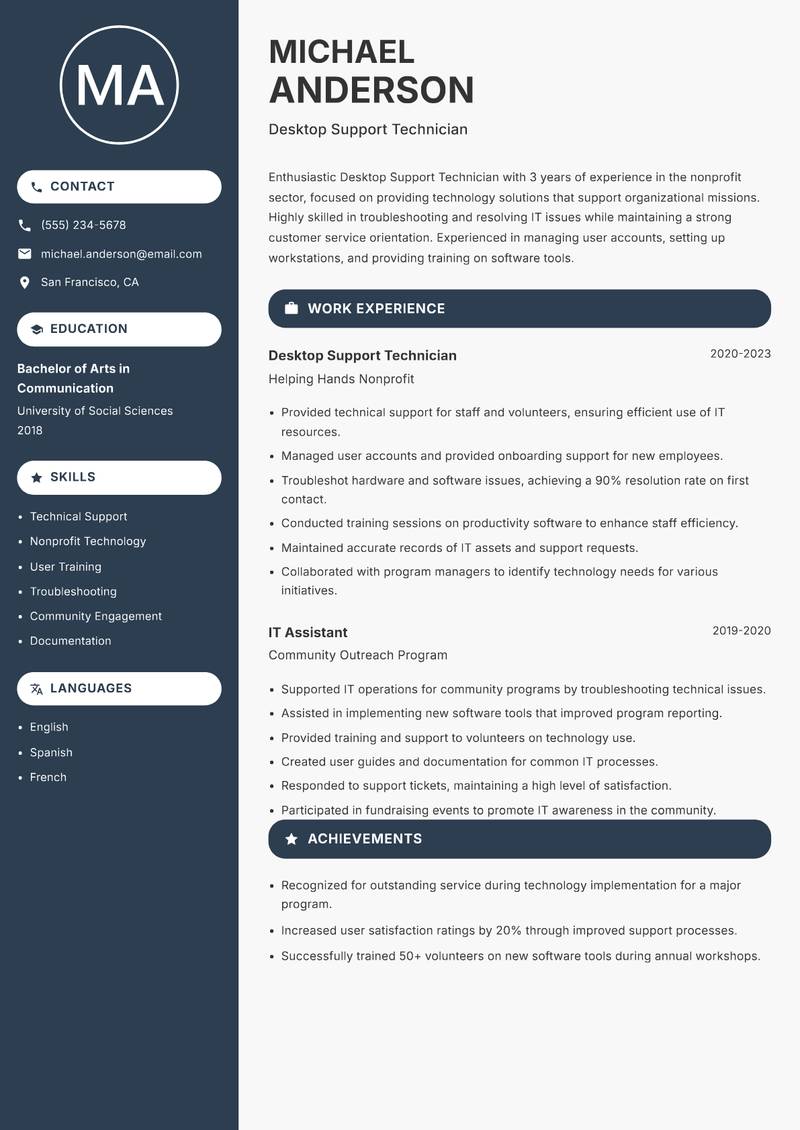
Desktop Support Technician Resume

Enthusiastic Desktop Support Technician with 3 years of experience in the nonprofit sector, focused on providing technology solutions that support organizational missions. Highly skilled in troubleshooting and resolving IT issues while maintaining a strong customer service orientation. Experienced in managing user accounts, setting up workstations, and providing training on software tools. Committed to leveraging technology to enhance operational efficiency and support program delivery. Adept at collaborating with cross-functional teams to implement IT solutions that align with organizational goals.

Technical Support Nonprofit Technology User Training Troubleshooting Community Engagement Documentation
Desktop Support Technician Resume Preview Example
View PDF
  1. Provided technical support for staff and volunteers, ensuring efficient use of IT resources.
  2. Managed user accounts and provided onboarding support for new employees.
  3. Troubleshot hardware and software issues, achieving a 90% resolution rate on first contact.
  4. Conducted training sessions on productivity software to enhance staff efficiency.
  5. Maintained accurate records of IT assets and support requests.
  6. Collaborated with program managers to identify technology needs for various initiatives.
  1. Supported IT operations for community programs by troubleshooting technical issues.
  2. Assisted in implementing new software tools that improved program reporting.
  3. Provided training and support to volunteers on technology use.
  4. Created user guides and documentation for common IT processes.
  5. Responded to support tickets, maintaining a high level of satisfaction.
  6. Participated in fundraising events to promote IT awareness in the community.

Achievements

  • Recognized for outstanding service during technology implementation for a major program.
  • Increased user satisfaction ratings by 20% through improved support processes.
  • Successfully trained 50+ volunteers on new software tools during annual workshops.
⏱️
Experience
2-5 Years
📅
Level
Mid Level
🎓
Education
Bachelor of Arts in Communicat...

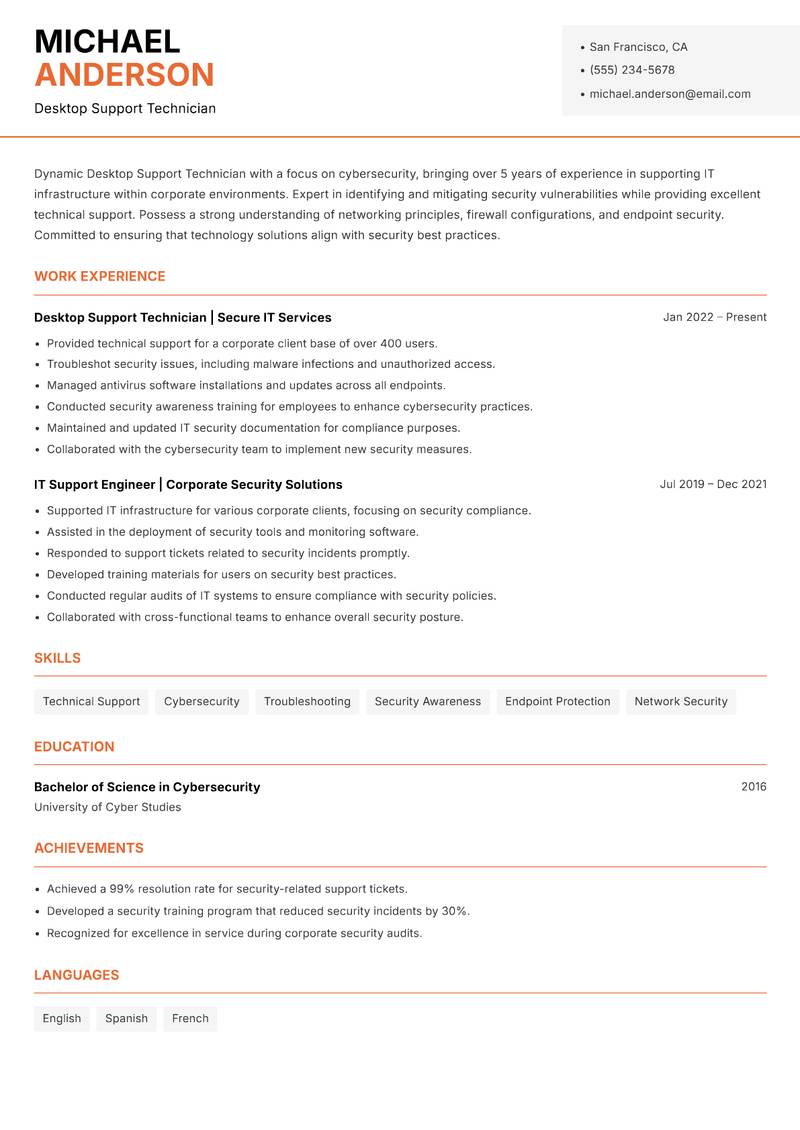
Desktop Support Technician Resume

Dynamic Desktop Support Technician with a focus on cybersecurity, bringing over 5 years of experience in supporting IT infrastructure within corporate environments. Expert in identifying and mitigating security vulnerabilities while providing excellent technical support. Possess a strong understanding of networking principles, firewall configurations, and endpoint security. Committed to ensuring that technology solutions align with security best practices. Proven ability to manage multiple priorities and deliver results in fast-paced settings while maintaining a high level of service.

Technical Support Cybersecurity Troubleshooting Security Awareness Endpoint Protection Network Security
Desktop Support Technician Resume Preview Example
View PDF
  1. Provided technical support for a corporate client base of over 400 users.
  2. Troubleshot security issues, including malware infections and unauthorized access.
  3. Managed antivirus software installations and updates across all endpoints.
  4. Conducted security awareness training for employees to enhance cybersecurity practices.
  5. Maintained and updated IT security documentation for compliance purposes.
  6. Collaborated with the cybersecurity team to implement new security measures.
  1. Supported IT infrastructure for various corporate clients, focusing on security compliance.
  2. Assisted in the deployment of security tools and monitoring software.
  3. Responded to support tickets related to security incidents promptly.
  4. Developed training materials for users on security best practices.
  5. Conducted regular audits of IT systems to ensure compliance with security policies.
  6. Collaborated with cross-functional teams to enhance overall security posture.

Achievements

  • Achieved a 99% resolution rate for security-related support tickets.
  • Developed a security training program that reduced security incidents by 30%.
  • Recognized for excellence in service during corporate security audits.
⏱️
Experience
2-5 Years
📅
Level
Mid Level
🎓
Education
Bachelor of Science in Cyberse...

Key Skills for Desktop Support Technician Positions

Resume Tips for Desktop Support Technician Applications

Strong Action Verbs for Desktop Support Technician Resumes

Resolved · Administered · Configured · Deployed · Maintained · Troubleshooted · Automated · Upgraded · Migrated · Documented · Achieved · Analyzed · Architected · Assessed

Common Mistakes to Avoid

Experience Levels

How to Write a Desktop Support Technician Resume

Browse Desktop Support Technician resume examples built around active directory & group policy, tailored for IT Support & Systems roles.

A strong Desktop Support Technician resume leads with a focused professional summary that names the exact role and your standout achievement. In the experience section, open every bullet with a strong action verb and quantify the result with numbers wherever possible. Highlight your most relevant competencies — especially Help Desk & End-User Support, Active Directory & Group Policy, and Windows / Linux Server Administration — in a dedicated Skills section positioned early so ATS systems and hiring managers both find it immediately.

For format, most Desktop Support Technician roles suit a reverse-chronological layout: most recent position first, working backwards. Keep to one page for under five years of experience, or two pages for senior candidates with a rich project or leadership history. Use clean, ATS-safe fonts (10–12pt), standard section headings (Summary, Experience, Education, Skills), and avoid tables, text boxes, or multi-column layouts that applicant tracking systems cannot parse reliably.
Frequently Asked Questions

What makes a strong Desktop Support Technician resume stand out to employers?

A standout Desktop Support Technician resume combines role-specific skills with quantified achievements. Name the exact job title in your professional summary, mirror keywords from each job posting, and open every bullet point with a strong action verb followed by a measurable result. Certifications, tools, and domain experience specific to desktop support technician roles should appear prominently near the top.

What skills are most important to include on a IT Support & Systems resume?

Recruiters hiring in IT Support & Systems consistently look for Help Desk & End-User Support, Active Directory & Group Policy, Windows / Linux Server Administration, Network Troubleshooting & Configuration. List these in a dedicated Skills section near the top so both ATS systems and human reviewers spot them fast. Mirror the exact phrasing from each job posting wherever possible — many applicant tracking systems match literal strings rather than synonyms.

What is the best resume format for IT Support & Systems professionals?

A reverse-chronological format is the standard choice for most IT Support & Systems candidates — employers expect to see your most recent role first, working backwards. If you are transitioning into IT Support & Systems from a related field, a hybrid format (brief skills summary at the top followed by chronological experience) can bridge the gap effectively. Keep the document to one page for under five years of experience, or two pages for senior specialists.

How do I make my IT Support & Systems resume pass applicant tracking systems (ATS)?

Use standard section headings — Summary, Experience, Education, Skills — rather than creative labels that ATS parsers do not recognise. Embed domain keywords such as "Help Desk & End-User Support" and "Active Directory & Group Policy" naturally inside your experience bullets rather than cramming them into a standalone keyword list. Avoid tables, multi-column layouts, text boxes, headers, footers, and images — these confuse most modern parsers and can cause your resume to be misread or rejected before a human sees it.

What mistakes do IT Support & Systems professionals most commonly make on their resume?

The most frequent issue is omitting response time and SLA metrics — operational roles are judged on performance data. Beyond that, generic objective statements, unquantified achievements, and inconsistent date formatting appear across almost every IT Support & Systems application. Fix these by replacing every vague claim with a measurable outcome — specific numbers and named projects add credibility that adjectives cannot.

How long should a IT Support & Systems resume be?

One page is appropriate for candidates with under five years of relevant IT Support & Systems experience. Two pages are acceptable — and sometimes expected — for senior specialists, managers, or professionals with a strong portfolio of projects, publications, or credentials. Avoid padding to reach a page count: every line should directly support your application for the specific role you are targeting.

Should I include a professional summary at the top of my IT Support & Systems resume?

Yes — a two to three sentence summary is the first section most recruiters read. Open with your title and years of IT Support & Systems experience, then name your most relevant achievement or specialisation. One proven approach: Quantify support metrics: ticket resolution time, SLA compliance rate, end-user satisfaction scores — this level of specificity signals genuine expertise before a recruiter reaches your experience section.

Scroll to view samples