Key Skills for Windows Systems Administrator Positions
- Help Desk & End-User Support
- Active Directory & Group Policy
- Windows / Linux Server Administration
- Network Troubleshooting & Configuration
- Virtualization (VMware, Hyper-V)
- ITIL Service Management
- Backup & Disaster Recovery
- Endpoint Management (SCCM, Intune)
- Cloud Services Administration (Microsoft 365, Google Workspace)
- Hardware & Software Procurement
Resume Tips for Windows Systems Administrator Applications
- Begin your professional summary with the exact job title "Windows Systems Administrator" — ATS systems often match titles literally, and including yours increases the likelihood of passing the initial automated keyword filter before a recruiter reviews your resume
- Quantify support metrics: ticket resolution time, SLA compliance rate, end-user satisfaction scores.
- Highlight certifications: CompTIA A+, Network+, Microsoft MCP, ITIL — they are frequently required.
- Demonstrate problem-solving ability through specific incident descriptions and resolutions.
- Show leadership and process improvement — systems admins who document and automate are valued.
- For senior roles, highlight vendor management, budgeting, and strategic planning experience.
Strong Action Verbs for Windows Systems Administrator Resumes
Resolved · Administered · Configured · Deployed · Maintained · Troubleshooted · Automated · Upgraded · Migrated · Documented · Achieved · Analyzed · Architected · Assessed
Common Mistakes to Avoid
- Writing a generic objective statement instead of a targeted windows systems administrator professional summary
- Omitting response time and SLA metrics — operational roles are judged on performance data.
- Failing to show progression from reactive support to proactive infrastructure improvement.
- Not listing certifications that are often minimum requirements for these roles.
- Neglecting soft skills — IT support requires patience, communication, and user empathy.
Experience Levels
- Help Desk Technician (0-2 years)
- Systems Administrator (2-5 years)
- Senior Systems Administrator (5-8 years)
- IT Manager / Infrastructure Lead (8-13 years)
- IT Director / CTO (13+ years)
How to Write a Windows Systems Administrator Resume
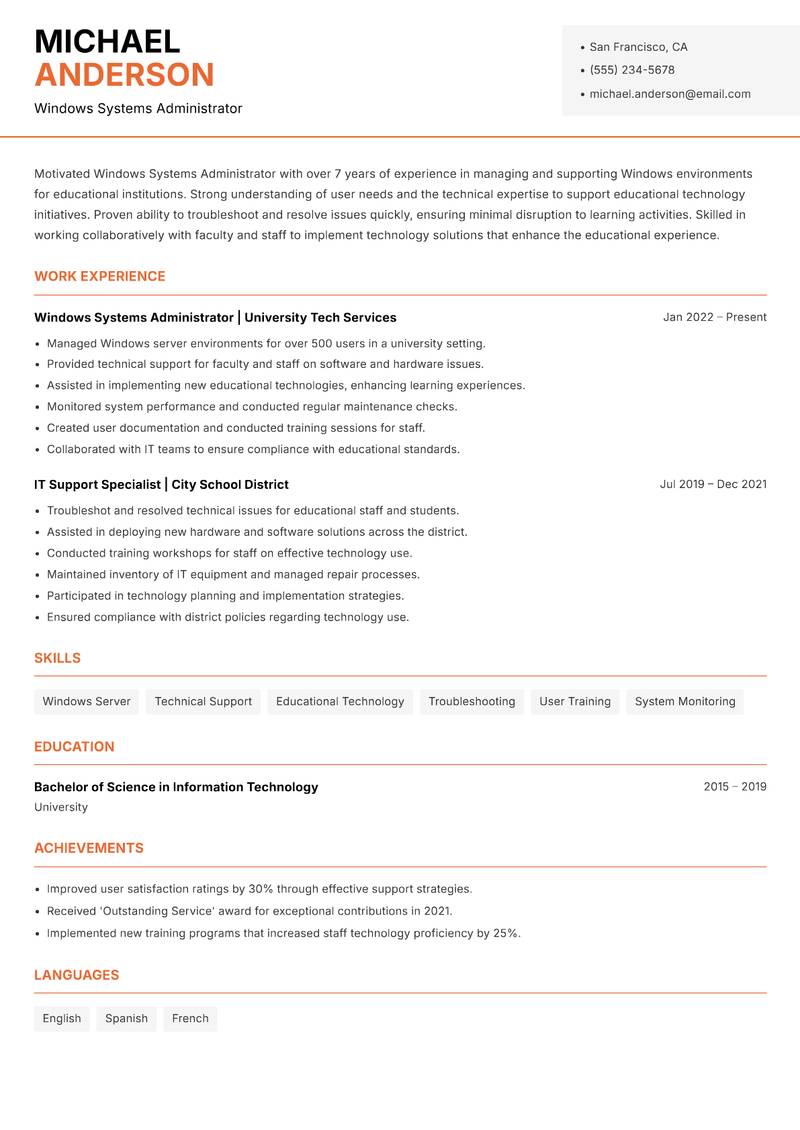
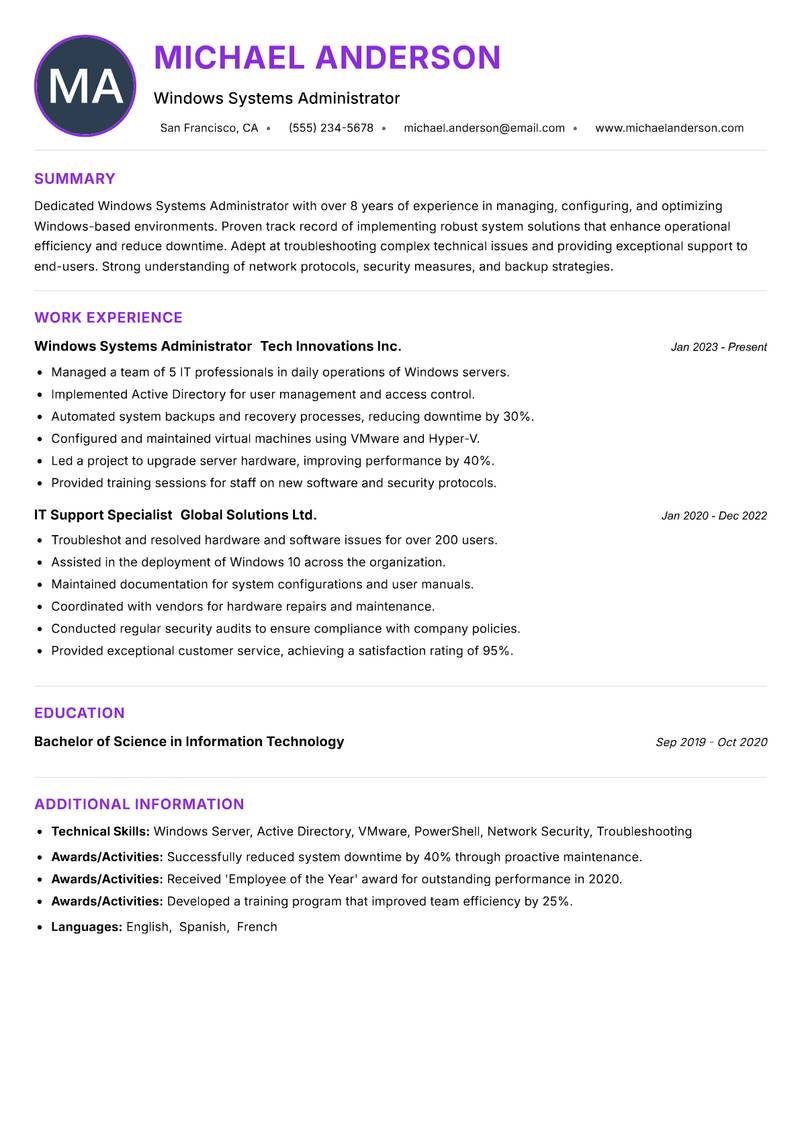
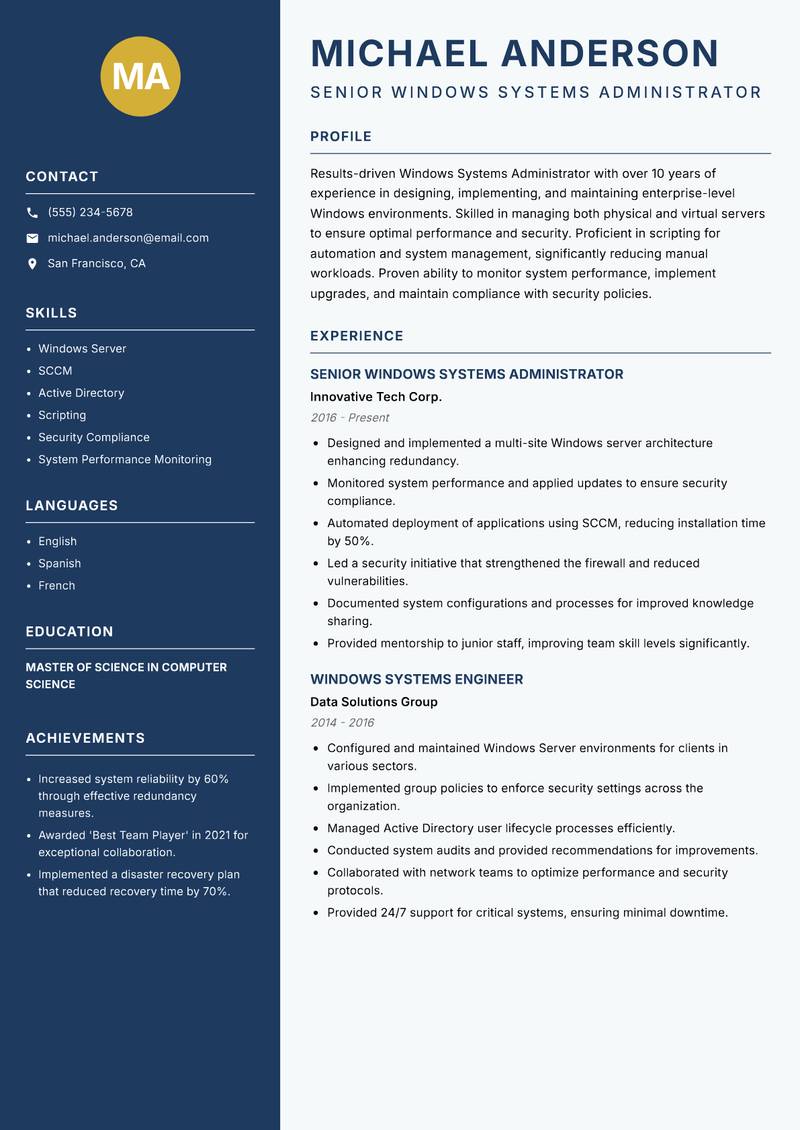
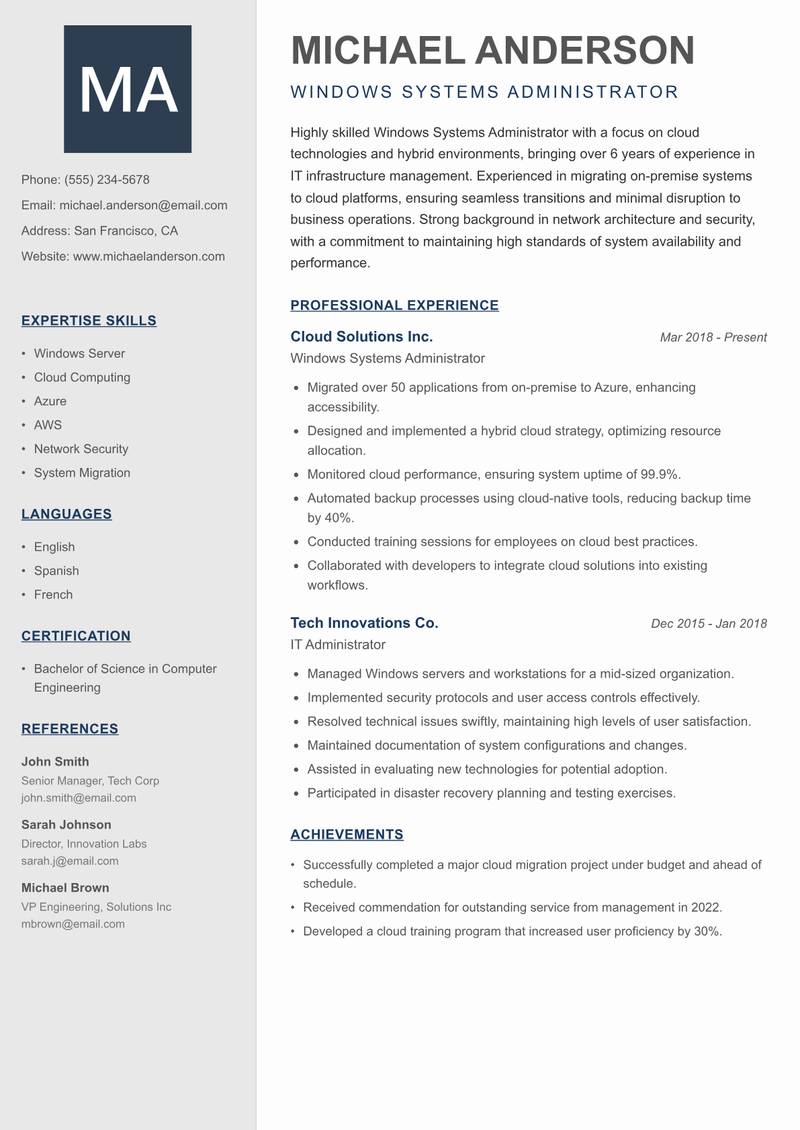
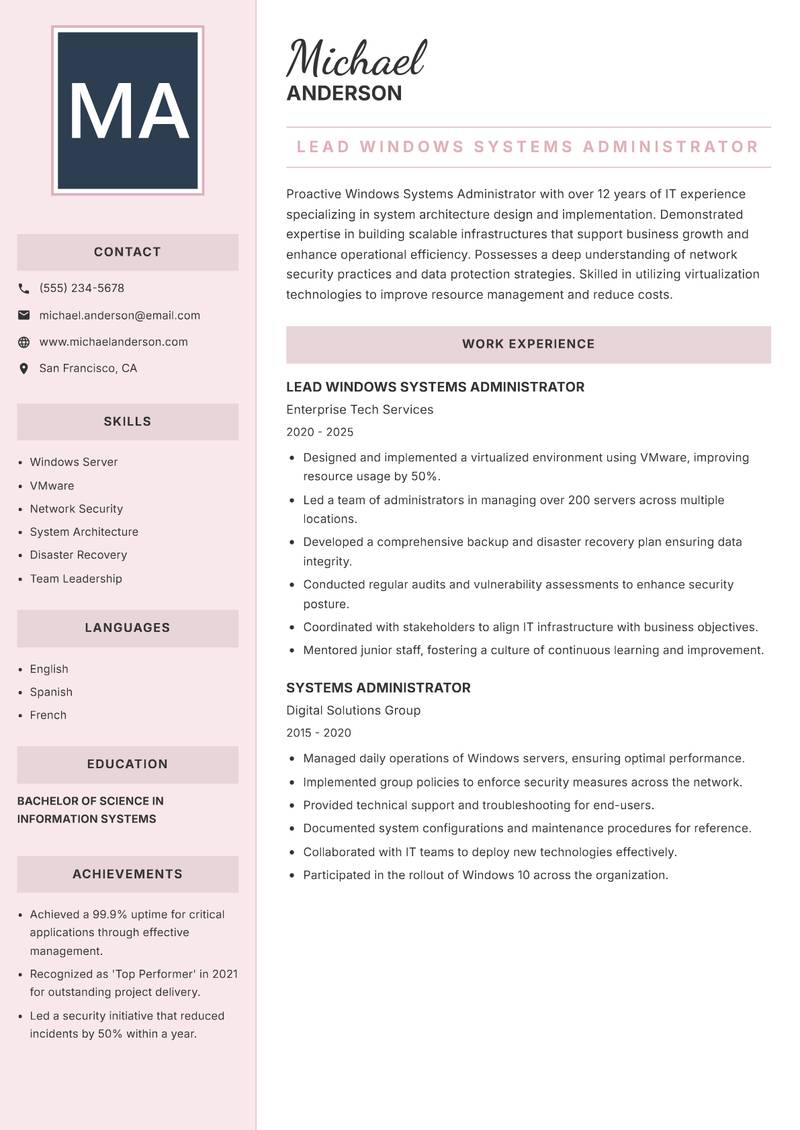
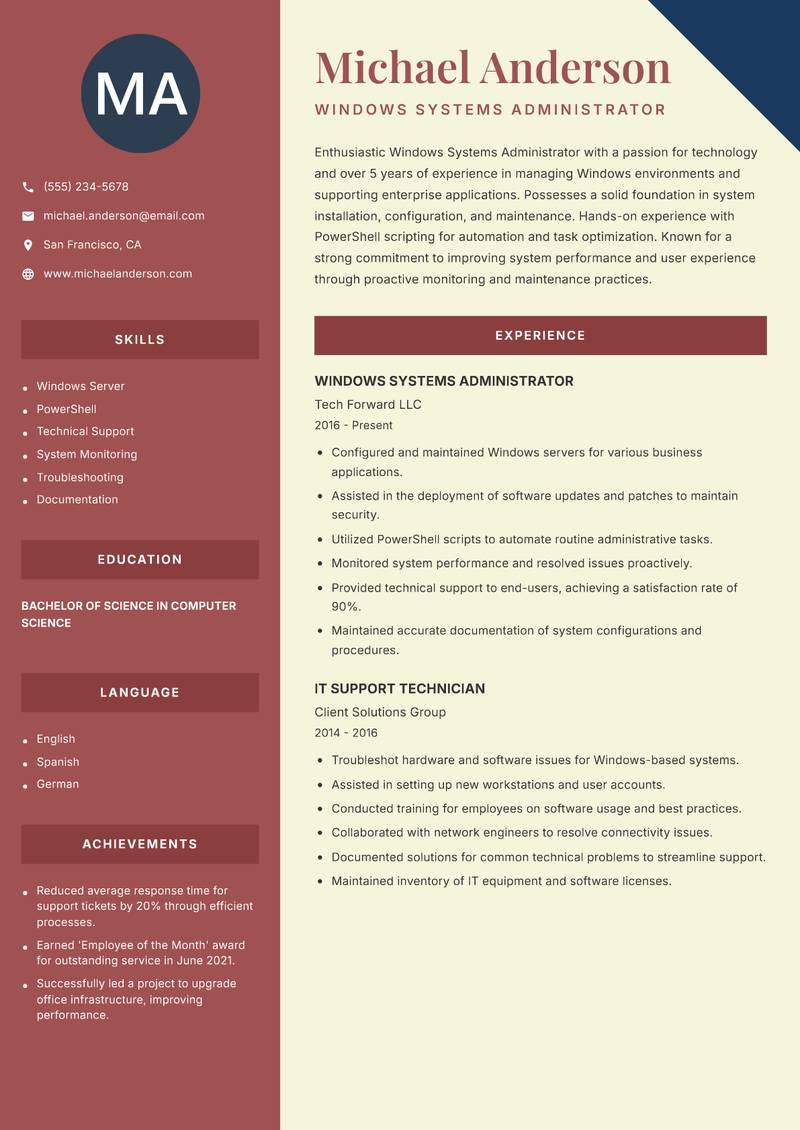
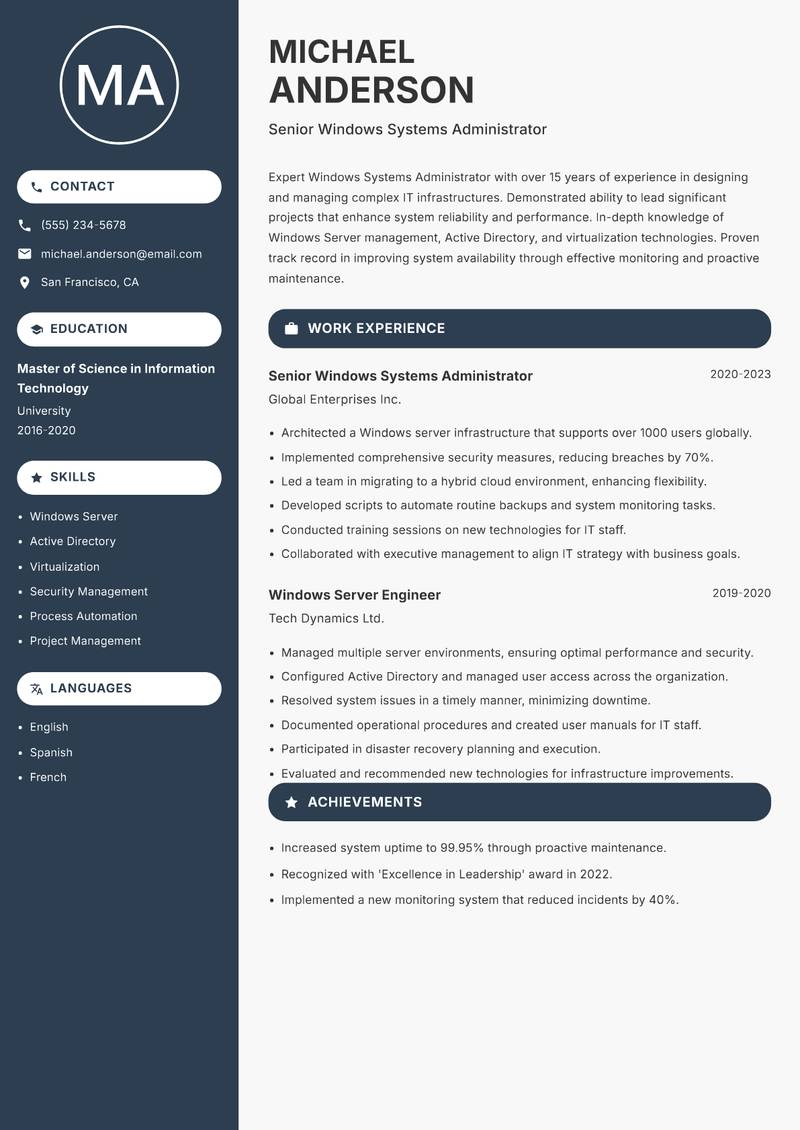
Browse Windows Systems Administrator resume examples built around help desk & End-User support, tailored for IT Support & Systems roles.
A strong Windows Systems Administrator resume leads with a focused professional summary that names the exact role and your standout achievement. In the experience section, open every bullet with a strong action verb and quantify the result with numbers wherever possible. Highlight your most relevant competencies — especially Help Desk & End-User Support, Active Directory & Group Policy, and Windows / Linux Server Administration — in a dedicated Skills section positioned early so ATS systems and hiring managers both find it immediately.
For format, most Windows Systems Administrator roles suit a reverse-chronological layout: most recent position first, working backwards. Keep to one page for under five years of experience, or two pages for senior candidates with a rich project or leadership history. Use clean, ATS-safe fonts (10–12pt), standard section headings (Summary, Experience, Education, Skills), and avoid tables, text boxes, or multi-column layouts that applicant tracking systems cannot parse reliably.